Real Estate App Development in Dubai: Apps for Developers, Owners and Tenants
Real estate app development in Dubai: off-plan payment plans paid into escrow, construction updates, handover and snagging, service requests and community apps.
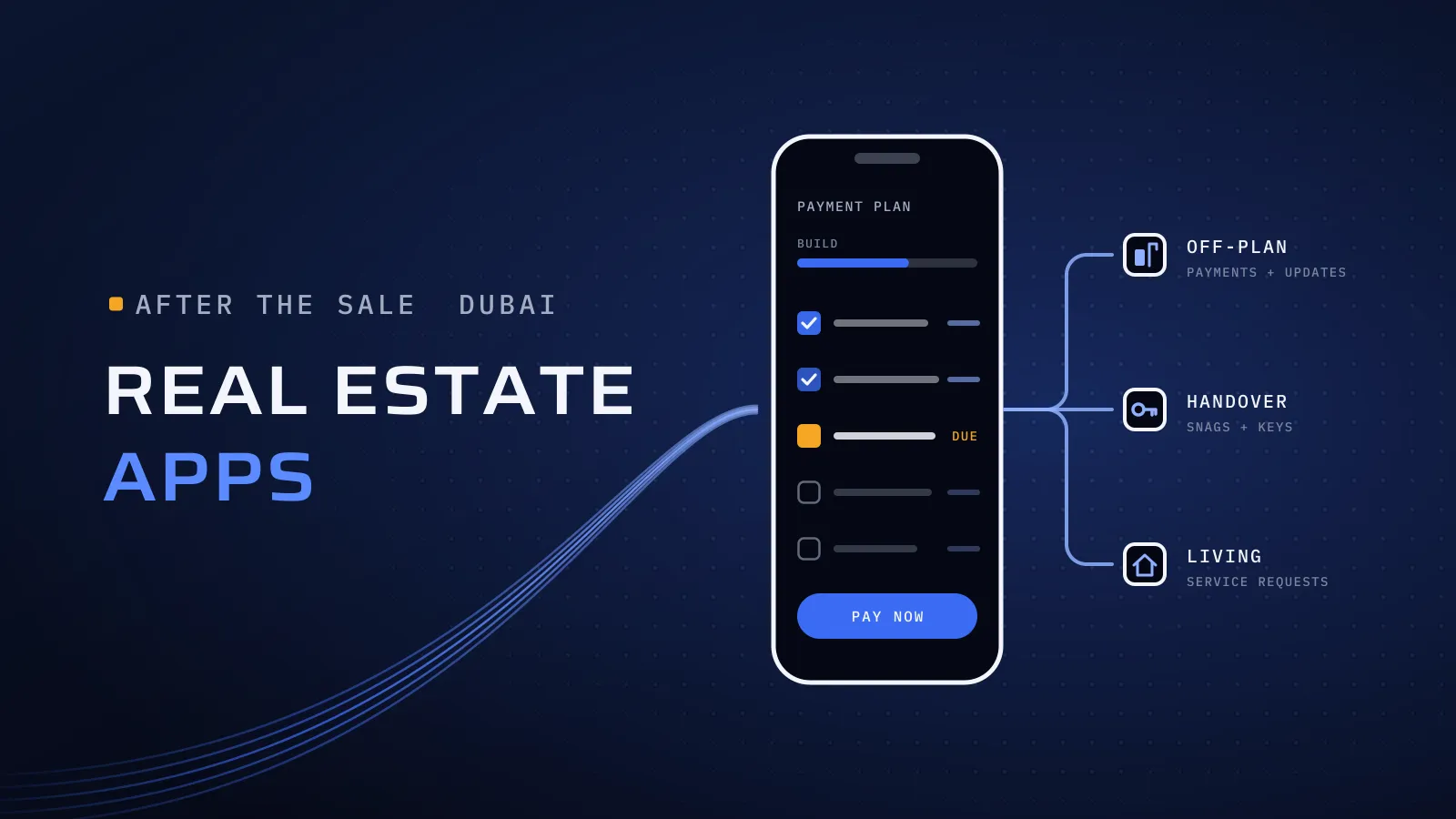
A real estate app in Dubai earns its keep after the sale. Developers use one to give off-plan buyers their payment schedule, receipts and construction updates, to run handover and snagging, and then to serve owners and tenants with service requests and community bookings. Choose the moment your app covers first, connect it to the systems that hold the numbers, and build in Dubai’s rules on escrow, Ejari and service charges.
What should a real estate app in Dubai do?
Quick answer: Pick the moment first. An off-plan buyer app shows each buyer’s payment schedule, statement and receipts, takes instalments into the project’s escrow account, and posts construction updates that agree with what Dubai Land Department (DLD) publishes. A handover app books inspections, records snags with photos and tracks each fix to sign-off. An owner and tenant app takes service requests, amenity bookings and visitor passes. All of them read from your ERP, CRM and property management system, in Arabic and English. Listings for people who haven’t bought yet belong on your website.
Planning a property app? Get an estimate for your real estate app → or send us the quote you received →
What the months after the sale cost you without an app
An off-plan buyer pays in stages and waits a long time for the keys. In between, most of what they hear from you arrives as a PDF statement by email, a message from their agent, or nothing. Each question about a balance, a receipt or the handover date becomes a call to your sales admin or finance team. At handover, snag lists travel as photos in chat groups, and nobody can say which fix is done. After handover, residents report a leak in the community’s WhatsApp group. None of this stops a sale, but it fills your team’s day and shapes how buyers talk about your next launch.
Four apps for four moments: which do you need?
Few developers need all four on day one. Start with the moment that fills your team’s inbox.
| Off-plan buyer app | Handover and snagging app | Owner and tenant app | Staff apps | |
|---|---|---|---|---|
| Who uses it | Buyers who signed a sale agreement | Buyers at handover, your handover team and contractors | Owners, tenants and residents | Technicians, inspectors, handover and community teams |
| Main screens | Payment schedule, statement, receipts, documents, construction updates | Inspection booking, snag list with photos, fix status, sign-off | Service requests, amenity booking, visitor passes, notices, documents | Today’s jobs, checklists, photos, sign-off |
| Reads from | Your ERP or sales system, the payment gateway, your documents | Unit records, floor plans, the contractor list | Unit and lease records, your property management system | The same jobs and units, through the admin panel |
| Who runs it on your side | Sales admin and finance | Handover and customer care | The community or property management team | Operations |
| Fits when | Buyers call to ask about balances, receipts and progress | You hand over a whole building or phase at once | You manage the community after handover | Requests arrive faster than a spreadsheet can track them |
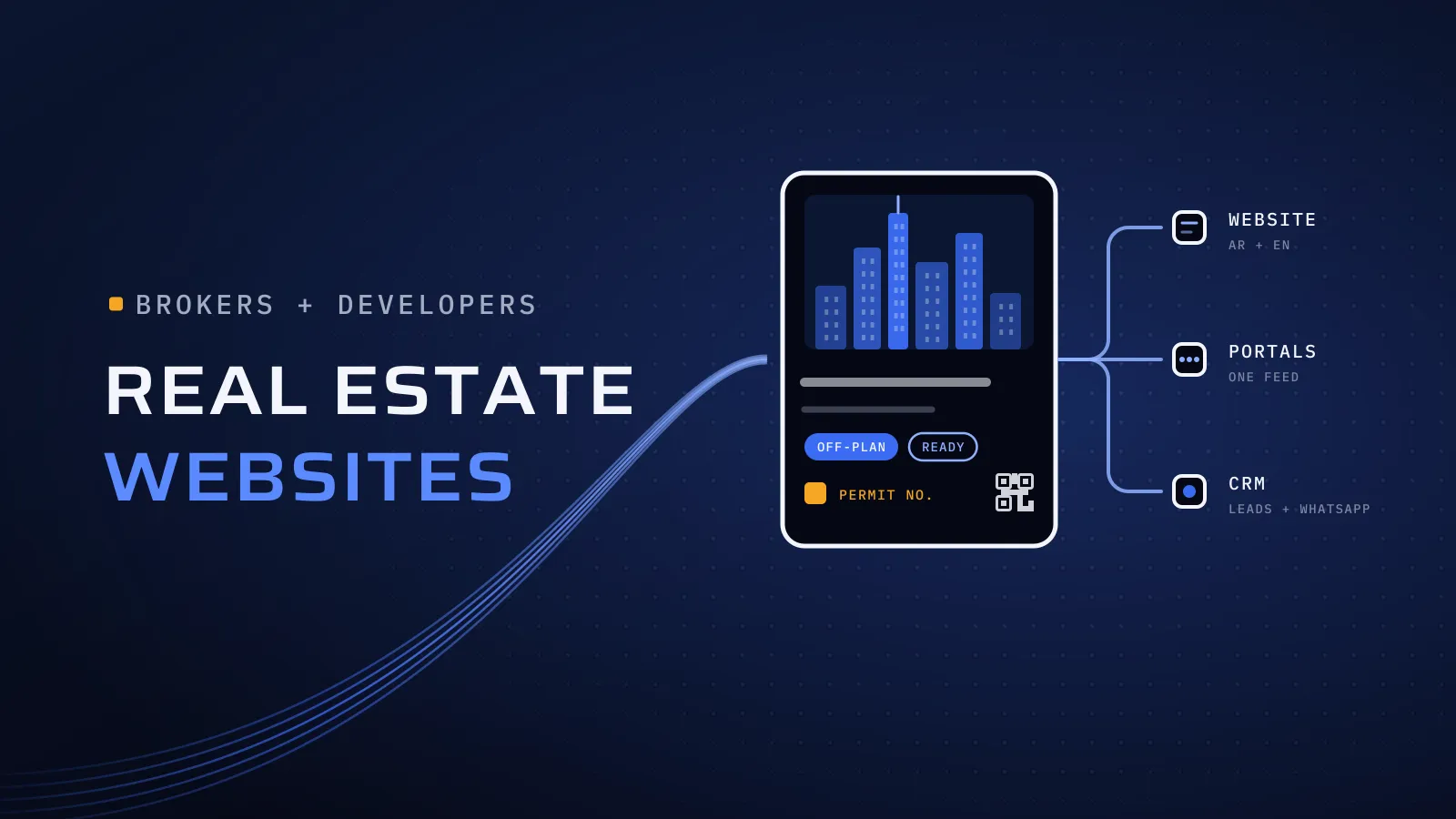
How to read it: the first three can be one app with roles, because a unit’s record moves from buyer to owner at handover, and a tenant joins it when the unit is leased. Search and listings for people still shopping are a different job; our guide to real estate website design in Dubai covers listings, portal feeds and the advertising rules.
The off-plan buyer app: payments, documents and progress
- The payment schedule as data, not a PDF. Each stage with its due date and amount, what is paid and what is left, read from the same record your finance team uses. When finance posts a payment, the buyer sees it.
- Reminders before each due date, by push notification and email, in the buyer’s language, opening the right instalment.
- Paying from the app, by card or Apple Pay through your payment gateway, or by bank transfer with the account details on screen. Apple’s App Store Review Guidelines (rule 3.1.3(e)) keep payments for real-world goods and services out of in-app purchase, so instalments go through your own gateway.
- Receipts and documents in one place: the sale agreement, each receipt, registration papers and letters, ready to download at any time.
- Construction updates with dated photos and a short note for each milestone, next to the completion percentage DLD publishes for the project.
- One place for questions, so a buyer’s message reaches sales admin with the unit attached, not an agent’s personal phone.
Dubai’s rules, built into the app
Some of what your app shows, DLD already shows your buyers. Its Dubai REST app gives off-plan buyers the completion percentage, actual pictures of the project, the escrow account number and the payments due. Your app has to agree with that record, and it should link to government services rather than copy them.
| The rule or service, as Dubai publishes it | What your app does |
|---|---|
| A developer who sells units off-plan must apply to DLD for an escrow account; payments made by off-plan buyers are deposited in it, and the account is dedicated to building that project (Law No. 8 of 2007, Articles 6, 7 and 9) | The payment screen and every receipt name the project’s escrow account. Before payments go live, agree with your escrow bank and your gateway how card payments reach that account |
| Anyone can check a project’s completion percentage and details on DLD’s website, in Dubai REST or on WhatsApp, by land number, project number or project name | Show DLD’s percentage with the date you read it, beside your own photos, and link to DLD’s enquiry. If your updates run ahead of it, say why |
| Tenancy contracts are registered and renewed through Ejari, on DLD’s website, in Dubai REST or at a trustee centre, and the result is an e-contract registration certificate | The tenant app stores the certificate, reminds both sides before renewal and links to the official channel. It doesn’t register leases itself |
| In jointly owned properties, RERA’s Mollak system monitors service charges and lets owners pay them directly; Dubai REST also shows service charges and takes payment | The owner app shows the charge and sends owners to the official payment route agreed with your owners association manager, rather than billing them separately |
Sources: Law No. 8 of 2007 on escrow accounts on the Dubai Legal Portal; DLD’s service pages for Dubai REST, the project status enquiry and Ejari registration; and RERA’s Mollak portal, checked on 29 October 2026. Rules change, so confirm the current conditions with DLD before launch.
What this means for you: ask every company that quotes two questions. Where does an instalment paid in the app end up? And what does the progress screen show next to DLD’s percentage? If either answer is vague, the app will create calls instead of saving them.
Handover and snagging: from booking to keys
Handover is the day buyers remember. An app turns it into steps both sides can see:
- Invite and book. When a building is ready, each buyer gets a notice and books an inspection slot. The app shows what must be settled first, such as the final instalment, so nobody arrives to find they can’t take the keys.
- Inspect and record snags. The buyer, or the snagging company they hire, walks the unit with your handover officer. Each snag gets a photo, a room, a category and a pin on the floor plan. Signal can be weak inside a new building, so the app saves offline and syncs later.
- Assign and fix. Each snag goes to the contractor or your maintenance team, with its photos. The buyer sees the status change instead of chasing it.
- Re-check and sign off. The buyer accepts each fix in the app, or sends it back with a new photo. The sign-off is recorded with its date.
- Keys and moving in. Access cards, parking, meter details and the community’s move-in rules arrive in the app on the day.
After handover, the same app takes defects the owner reports as service requests, so nothing starts again from a blank email.
Owner and tenant apps: requests and community life
- Service requests with a category, photos and a preferred time. The request reaches the right technician, and the resident follows each status: received, assigned, on the way, done, then a rating. The technician’s side is a field service app; our guide to field service app development covers it.
- Amenity booking for the gym, pool, courts or party room, with each community’s rules and limits.
- Visitor and delivery passes as a QR code the security team scans at the gate.
- Move-in, move-out and works requests, approved by the community team in the admin panel.
- Notices and documents, such as a water shut-off, the community rules or building papers, in Arabic and English.
- Roles that follow the unit. An owner who leases the unit adds the tenant. The tenant sees requests and passes; the owner keeps the documents and charges. When the lease ends, the tenant’s access ends with it.
An honest note on build or buy: property management platforms with a resident app already exist, and for a management company with standard needs, one may cover most of the job. A custom app pays off when it carries your payment plans and handover, when your brand is the point of the app, when it must read your ERP and CRM directly, or when you run several communities with different rules.
Under the app: the admin panel and your systems
The app is the part buyers see. Most of the work sits behind it:
- An admin panel with roles for sales admin, finance, handover, community managers and technicians, each seeing only their part.
- Your ERP or accounting system for schedules, statements and receipts. The app reads the balance; it doesn’t keep its own copy.
- Your CRM, so the buyer who enquired on your website, signed with your sales team and now pays in the app is one record.
- A payment gateway with card authentication (3-D Secure), Apple Pay and Google Pay, and a test for every way a payment can fail.
- Sign-in with a one-time code by phone or email, or with UAE PASS if your residents expect it. UAE PASS assesses each service provider before it goes live (UAE PASS onboarding), so plan for that step; our UAE PASS integration guide sets out each stage.
- Arabic designed right to left from the first screen, with amounts, dates and unit numbers tested in both languages.
Planning a property app? Tell us which moment it covers first (off-plan payments, handover, or owners and tenants), who uses it, and which systems hold your data today. We reply with the screens, the integrations, the team and the price. Get an estimate for your real estate app →
Not ready for a call? Ask for our company profile and we’ll send it to you.
How to choose who builds it
Before you sign with any company for a real estate app, ask it these questions:
| Ask | A good answer | A warning sign |
|---|---|---|
| Where does an instalment paid in the app end up? | In the project’s escrow account, by a route agreed with your escrow bank and gateway | “In your account; finance moves it later” |
| Where does the balance on the buyer’s screen come from? | Your ERP or sales system, read live or synced on a schedule you agree | A separate database someone updates by hand |
| What does the progress screen show? | DLD’s percentage with its date, beside your photos | Only your own figure |
| Show us a snag recorded with no signal | It saves offline and syncs later, photos included | “The building will have Wi-Fi” |
| What happens to a defect after handover? | It becomes a service request in the same app | The owner is told to email customer care |
| Show us an app you built, in Arabic, on a phone | Screens that mirror properly, with real Arabic copy | Arabic added at the end, or machine-translated |
| Who owns the store accounts, the code and the data? | Your company, in writing | The vendor’s accounts |
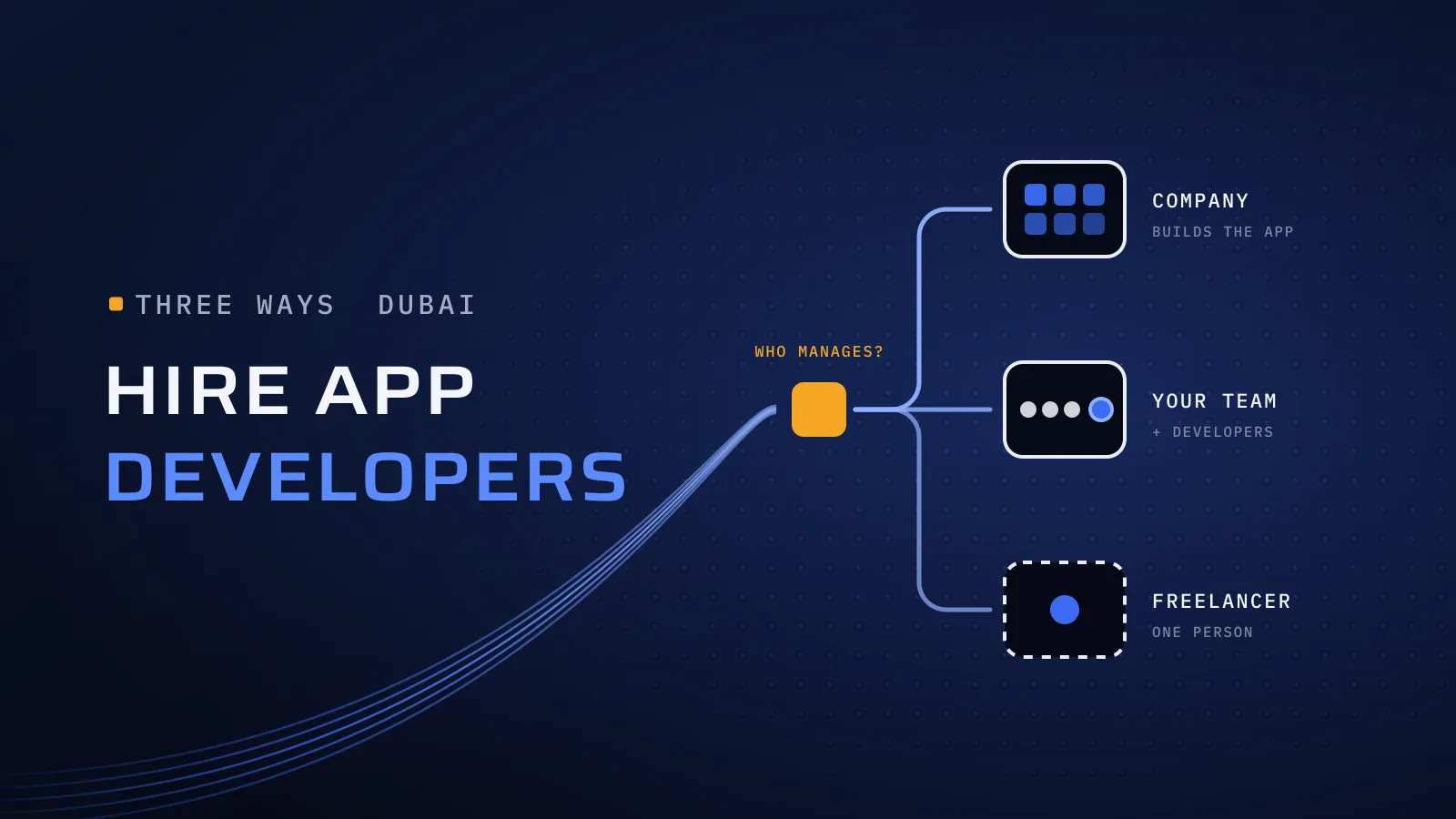
Our mobile app development cost guide shows the team behind each type of app and what to send for an estimate, and our scorecard for choosing a software company in Dubai helps you compare the shortlist. Our guide to hiring app developers in Dubai compares a company, developers added to your team and freelancers.
Already holding a quote for your app? Send it to us with anything confidential removed. We reply with the questions to ask and what we would change before you sign. Send us the quote →
Where Flojics fits
As a mobile app development company in Dubai, we build apps in Flutter, React Native and native Swift and Kotlin, with the admin panel and the back end. Connecting an app to your ERP, CRM or property management system is custom web development, done by the same team. Quality built into every step: CTO oversight, independent QA before each release and a dated plan in FloPlan, our own delivery software.
None of the apps below is a property app. Each one shows a part yours needs:
- Qargo is a car rental and ride-hailing platform in Qatar. Users photograph the car before and after each trip, and the system compares its condition: the same pattern as a snag list. Talk to the team that built it: book a meeting.
- AlloPro is two apps, one for customers and one for technicians, that turn a home repair into a job with offers, chat and a visit. Talk to the team that built it: book a meeting.
- ButlerFM is facility management software. Our engineers joined ButlerFM’s team and worked on the field app staff use for QR check-ins and checklists. Talk to the team that worked on it: book a meeting.
Tell us which moment comes first
Since 2014 we have worked with more than 100 clients across the UAE, Saudi Arabia, Qatar, Kuwait, the USA and Canada. Our headquarters is at Dubai Digital Park, and our core team works from Egypt. They are native Arabic speakers, so your Arabic screens are checked by people who read them the way your buyers do. Tell us whether you are a developer, a property manager or both, which moment the app covers first, how many projects or communities it serves, and the systems that hold your data today.
Get an estimate for your real estate app → or send us the quote you received → We ask about your goal, what you use today, your timing and who else should be involved. You leave with clear next steps. We reply by email first and set up a call only if you want one. Asking commits you to nothing, and we sign an NDA first if you ask.
Frequently asked questions
How much does a real estate app cost in Dubai?
It depends on which moments the app covers and what it connects to, more than on its screen count. The main drivers are the apps you need (off-plan buyers, handover and snagging, owners and tenants, staff), the user roles, the links to your ERP, CRM and payment gateway, offline snagging and Arabic. Send us the moment you want to start with and the systems you use, and we reply with the team, the phases and the price.
Can buyers pay off-plan instalments in the app?
Yes, by card or Apple Pay through your payment gateway, or by bank transfer with the account details on screen. Under Dubai's Law No. 8 of 2007, payments made by off-plan buyers are deposited in the project's escrow account, so agree with your escrow bank and your gateway how card payments reach it. Apple's rule 3.1.3(e) keeps payments for real-world goods and services out of in-app purchase.
What construction progress should the app show?
Dated photos and short notes for each milestone, next to the completion percentage Dubai Land Department publishes for the project, with the date you read it. Buyers can check that figure themselves on DLD's website, in the Dubai REST app or on WhatsApp, so an app that disagrees with it creates questions instead of answering them.
Does a tenant app replace Ejari?
No. Tenancy contracts are registered and renewed through Ejari, on DLD's website, in Dubai REST or at a trustee centre. Your app stores the Ejari certificate, reminds the owner and the tenant before renewal and links to the official channel.
Can one app serve buyers, owners and tenants?
Yes, with roles that follow the unit. The record moves from off-plan buyer to owner at handover, and the owner adds a tenant when the unit is leased. Each person sees only their own screens. You can start with one moment, such as payments or handover, and add the others later.
Should we build a custom app or use a property management platform?
If you manage communities with standard needs, a property management platform with a resident app may cover most of the job. A custom app pays off when it carries your payment plans and handover, when your brand is the point of the app, when it must read your ERP and CRM directly, or when you run several communities with different rules.
Who owns the app and the data?
Your company should. Keep the App Store and Google Play accounts, the payment gateway and the data in its name. With us, the code passes to you at the end of the project, once it is completed and paid.