Field Service App Development in the UAE: Build a Custom Technician App or Buy One?
Field service app development in the UAE: when to buy a ready-made app, when a custom technician app pays off, the features that matter and how to start.
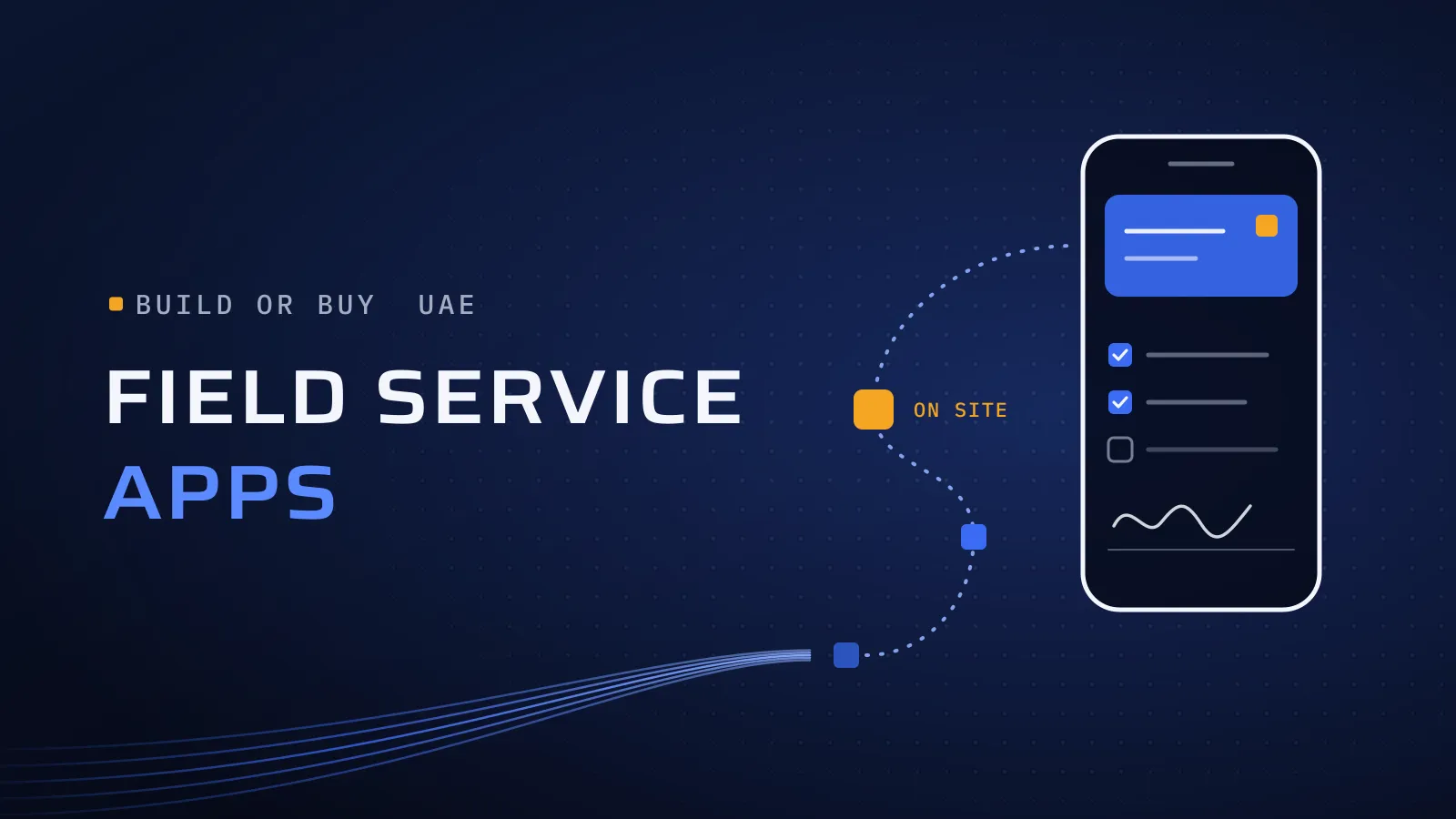
Field service app development in the UAE comes down to one outcome: every visit booked, done, proven and invoiced, with no paper job card or WhatsApp thread in between. For a facility management, maintenance, logistics or home-services company, the right app means fewer missed visits, proof of every job and faster invoices; the wrong one sends your technicians back to WhatsApp.
Should you build a custom field service app or buy one?
Quick answer: Buy a ready-made field service app when your jobs follow a standard pattern: book, dispatch, visit, sign, invoice. If it covers about 80% of how you work, use it. Build custom when your workflow, your integrations or your customers’ experience is what sets you apart. A third route is extending the ERP you already run.
Talk to us about your field-team app →
What does another year of job cards and WhatsApp cost?
Paper and chat leak quietly. A visit is missed because the message sank in a group chat. A customer disputes a job, and there is no photo, signature or time stamp to settle it. An invoice goes out a week late because the job card is still in a van. Each one is small; together they cost you renewals, cash flow and your managers’ evenings. From 2027, UAE B2B invoices also move to structured e-invoices sent through an accredited provider, so job data that arrives late or by hand will slow billing further (see our UAE e-invoicing 2027 guide).
What should a technician app do?
Whether your technicians cover Dubai or the wider Gulf, the core is the same. What differs is how each piece fits your jobs.
- For dispatchers: job dispatch, schedules and recurring visits, and a manager dashboard that shows the status of every job as it changes.
- For technicians and drivers: the day’s jobs on their phone, a checklist per job type, photos, QR or asset-tag scans, parts used, and an offline mode that keeps everything until the signal returns.
- For your customers: sign-off on the technician’s screen, a live status from “on the way” to “done”, and a job report with the photos.
- For finance: finished jobs flow into your ERP or accounting system, ready to invoice, with nobody retyping them.
- For everyone: Arabic and English on every screen, so each technician and customer works in the language they prefer.
If your field team sells rather than repairs, our own FloSales app already covers orders, customer visits and collections in the field, synced with the back office.
How does a field service app project run?
- Map one job, from the call to the invoice. Who books it, who goes, what they record, what the customer signs and how it becomes an invoice. The map shows where time and information get lost.
- Decide build, buy or extend, part by part. It is rarely all or nothing. Accounting can stay in your ERP while the technician app and the dispatch board are built around your jobs.
- Design around the technician’s day. Few taps, large buttons, Arabic and English, and offline first, because basements, plant rooms and car parks often have no signal.
- Pilot with one team, then connect. One job type and one team go live first. The app is tested on the phones your team carries, in the places they work, and linked to your ERP or accounting system.
- Roll out and measure. Track missed visits, jobs closed with proof attached, and the days from job done to invoice sent. Those numbers decide what the next release covers.
Build custom, buy SaaS or extend your ERP?
Take this table to your operations and finance leads, and mark the column that matches each part of your work.
| Buy a field service SaaS | Extend your ERP | Build custom | |
|---|---|---|---|
| Fits when | Your jobs follow the standard book, visit, sign, invoice pattern | Your ERP already holds customers, contracts, parts and invoices, and the field work is simple | Your workflow, your integrations or your customer experience is your edge |
| You get | A working app quickly, with the vendor’s updates | One system, with job data already where finance needs it | An app shaped around your jobs, contracts and brand, on your own roadmap |
| You trade off | You work the vendor’s way and usually pay per user, every month | Mobile screens often built for office users, not for a technician on a roof | A build to plan, and a partner to keep it running |
| Check before you sign | Arabic, offline mode and a full data export | Field-user licences and how it works offline | That the first release covers one job type from start to finish |
If a ready-made app already does most of the job, we say so, even though it means we build less. In the UAE we implement Odoo, so if Odoo already runs your accounts, we can cost both routes for you: a custom technician app that feeds Odoo, or Odoo extended for the field.
Send us how a job runs today, from the call to the invoice. A few lines are enough: who books the job, who goes, what they record and how you bill. We reply with what a first release could cover, or tell you if a ready-made app would do the job.
Talk to us about your field-team app →
Not ready for a call? Ask for our company profile and we’ll send it to you.
A field app in practice: ButlerFM
ButlerFM is facility management software for in-house janitorial providers, maintenance teams and commercial cleaning businesses, and our engineers joined ButlerFM’s own team. The office side runs in a web dashboard, and field staff use the mobile app for their tasks, daily checklists and QR code check-ins: the office-and-field loop this article describes. Talk to the team that built it: book a meeting.
We have built other field apps too: the AlloPro provider app, the technicians’ side of a platform for plumbing, electrical and other repairs around the house; and the Qargo driver app in Qatar, one of the four connected parts of a car rental and ride-hailing platform.
Two of the ways we work matter most on a field app. UI/UX focus, because a technician with two minutes between jobs only uses an app that is quicker than a phone call. Independent QA, because the person testing the offline mode, the scans and the sign-off is not the person who wrote them. A field app usually runs as project delivery, with a fixed scope per phase, and our mobile app development page shows the rest of our app work.
Talk to us about your field-team app
Tell us how your jobs run today and where they break. We ask about your goal, what you use today, your timing and who else should be involved. You leave with clear next steps. The call commits you to nothing, and we sign an NDA first if you want one.
Frequently asked questions
How much does a custom field service app cost?
It depends on the number of job types, the user groups (technicians, dispatchers, customers), the systems it connects to and how much has to work offline. We map one job with you first, then price the work phase by phase, so the cost is agreed in your proposal. You see the scope and the price of each phase before you commit to it.
How long until our technicians are using it?
The timeline is agreed in your proposal, because it follows the scope. To get the app into the field early, the first release covers one job type from start to finish for one team, and the rest follows in planned releases. You get a dated release plan before the build starts, so you know when each team goes live.
What if our technicians don't use the app?
That is the real risk with any field app, so the design starts with the technician's day, not the office's wish list: few taps, Arabic and English, and an offline mode for sites with no signal. A pilot team uses it on real jobs first, and we change whatever slows them down. The wider roll-out starts once the pilot team is on board.
Who controls a custom app and its code?
The code, pipelines and documentation can sit in your own repositories and accounts from the first commit, so you see every commit as it is written. The code and IP pass to you at the end of the project, once it is completed and paid. Where the data is stored, and who can reach it, is agreed with you before the build, so you stay in control from day one.
How do you handle customer photos, signatures and locations?
The app collects only what each job needs, and each role sees only what it has to. Where photos and signatures are stored is agreed with you before access. We sign an NDA first if you want one.
What if we buy a ready-made app now and outgrow it later?
That is a common and sensible path. If the app has an API, a custom piece can work alongside it, such as a customer portal or an ERP link, while the rest stays as it is. If you move to a custom app, your job history comes across through the vendor's data export. Nothing is wasted: what your team learned on the ready-made app becomes the brief for what to build.