Odoo vs QuickBooks in the UAE: VAT, E-Invoicing, Stock and When QuickBooks Is Enough
Odoo vs QuickBooks UAE: VAT returns, Corporate Tax, 2027 e-invoicing, stock, several companies, Arabic and WPS, and when QuickBooks is still enough.
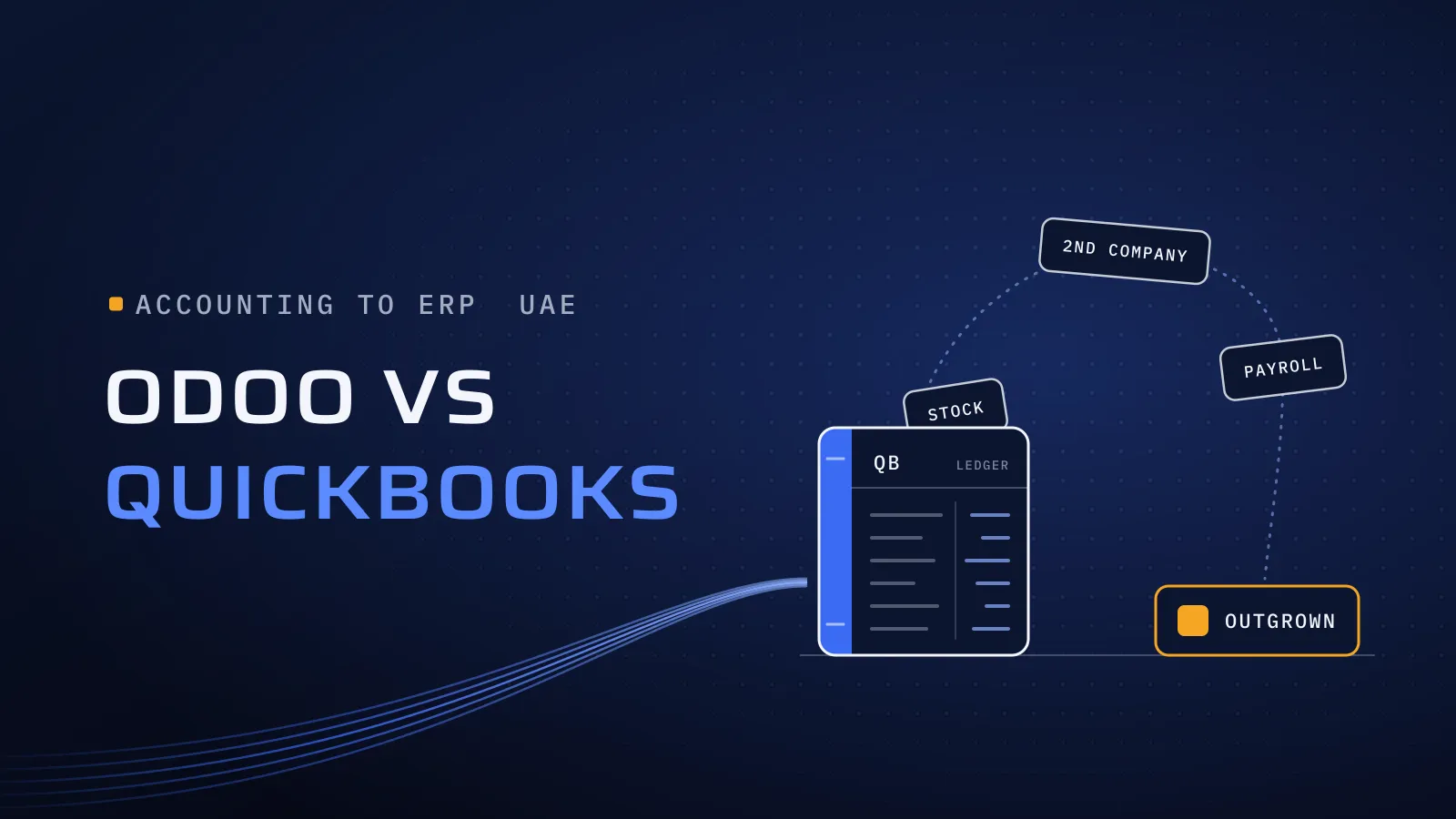
Odoo vs QuickBooks in the UAE becomes a real question when the books are fine but the work around them isn’t. Stock sits in a spreadsheet, a second company runs in a second QuickBooks subscription, salaries go out through the bank’s portal, and every order is typed twice. QuickBooks still does what you bought it for. The cost is in everything beside it, and from July 2027 in an e-invoicing connection you need either way.
We implement Odoo, not QuickBooks, so read this as an Odoo implementer’s view. Every QuickBooks fact comes from Intuit’s own pages, checked on 27 October 2026, and one section says plainly when QuickBooks is enough.
Odoo or QuickBooks: which does a UAE SME need?
Quick answer: QuickBooks Online is enough for one company with a small finance team, little or no stock and payroll run elsewhere. Odoo fits once you need stock in several warehouses, two or more companies in one database, WPS payroll beside the accounts or a Corporate Tax report from your ledger. Neither Intuit nor Odoo is an accredited e-invoicing provider.
Outgrowing QuickBooks? Tell us what runs outside it today, and we’ll say whether Odoo is the next step or QuickBooks is still enough.
Six signs you have outgrown QuickBooks
Count the ones that describe your business this month.
- Stock lives in a spreadsheet, or in several warehouses, and QuickBooks only sees the totals.
- A mainland and a free zone company each have their own QuickBooks subscription, merged in Excel at month-end.
- Salaries go out through the bank’s WPS portal and come back as one journal.
- Quotes, purchase orders and delivery notes live in other tools, so one order is typed three times.
- You make or assemble what you sell, and product costs are worked out outside the books.
- More people need to log in than your plan includes: 5 on Plus, 25 on Advanced.
What this means for you: one or two of these can usually be fixed inside QuickBooks, with an add-on app or a tidier process. Three or more, across stock, companies and payroll, mean the work around QuickBooks now costs more than one system that holds it all. Not sure you need an ERP at all? Our guide to ERP for small business in the UAE helps you decide.
What waiting costs you
If your revenue is below AED 50 million, you appoint an accredited service provider (ASP) by 31 March 2027 and send B2B invoices through it from 1 July 2027, as our UAE e-invoicing 2027 guide explains. Larger businesses appoint one by 30 October 2026 and go live on 1 January 2027. Connect QuickBooks first and move later, and you build and test the e-invoicing route twice. Until then, each VAT quarter is checked by hand against the spreadsheets beside the books.
UAE VAT, Corporate Tax and e-invoicing in each
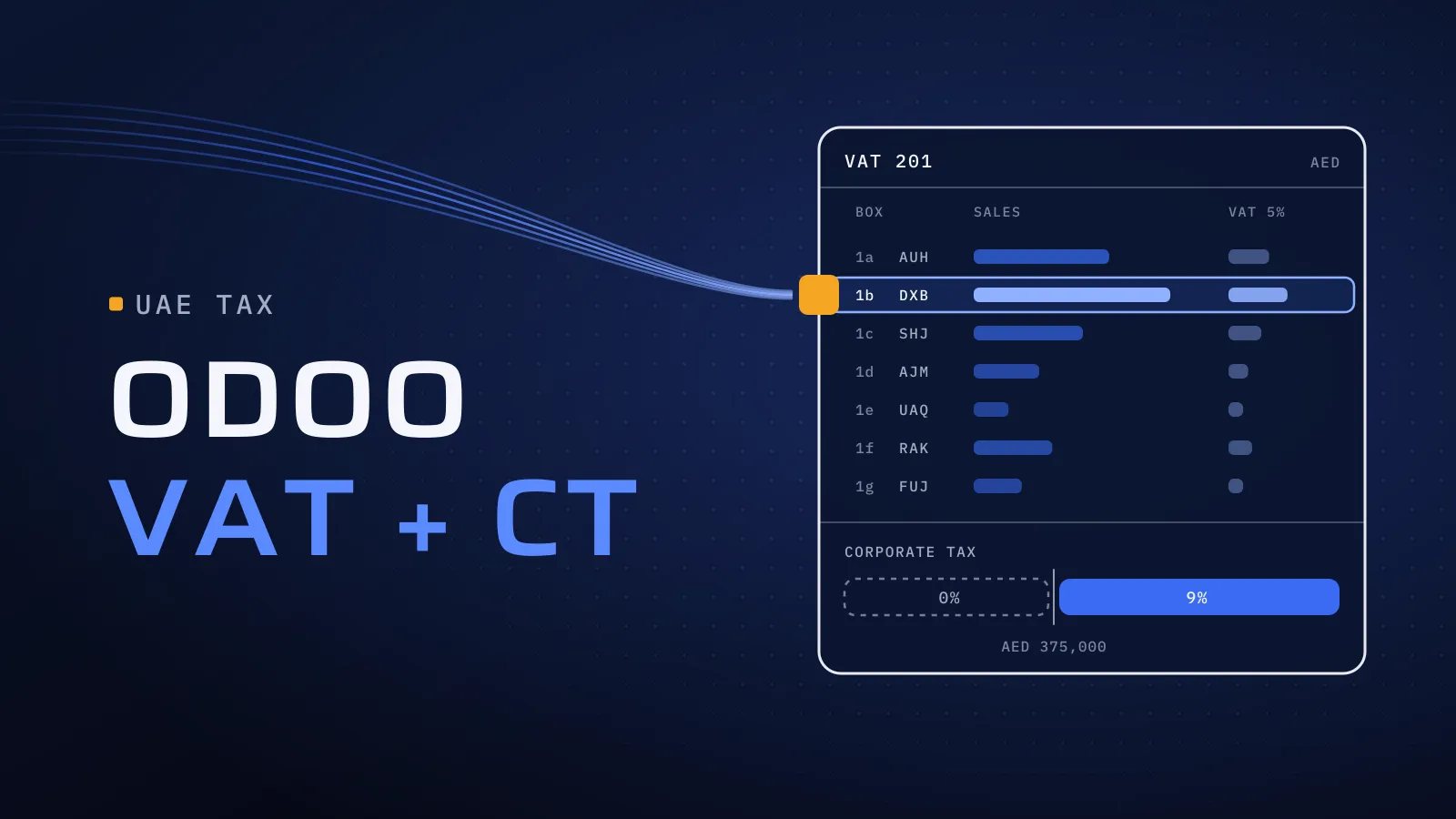
- VAT returns. QuickBooks Online’s UAE edition comes with the 5% VAT codes set up, and prepares the return from the codes on each transaction. Odoo’s UAE localisation builds the VAT201 return in the FTA’s format; you export it and enter the figures in EmaraTax. In both, ask to see the standard-rated sales split by emirate, from your own invoices.
- Corporate Tax. Both start from your profit and loss. Odoo’s Corporate Tax report reads the accounts you tag for exempt income, disallowed expenses and deductions, as our Odoo VAT and Corporate Tax guide shows. Intuit’s UAE pages describe no Corporate Tax report, so those adjustments stay in your tax adviser’s working file.
- E-invoicing. Neither Intuit nor Odoo is on the Ministry of Finance list of accredited service providers, which held 80 names on 27 October 2026. Both connect to the ASP you appoint. Odoo has connectors today and a native ClearTax integration announced in September 2026, with no date; our Odoo ASP integration guide covers each route. For QuickBooks, ask every provider on your shortlist whether it connects to QuickBooks Online, and to send a test invoice from your own account.
What this means for you: e-invoicing alone is no reason to leave QuickBooks. It is a reason to choose your system now, so the connection is built once, in the system you keep.
QuickBooks Online and Odoo, row by row
The last column is the test to run before you sign. Take the table to your finance lead.
| Area | QuickBooks Online (UAE) | Odoo | Test it with |
|---|---|---|---|
| Users | 1, 3, 5 or 25, set by plan | Paid per user who logs in | Your list of people who log in, by team |
| Stock | Inventory, purchase orders and sales orders on Plus and Advanced | Several warehouses, routes, lots and serials, landed costs | A stock count, and an import with freight and duty |
| Several companies | A separate subscription for each, with its own data and users | Several companies in one database, each with its own TRN and VAT return (Custom plan) | One month-end for two of your companies |
| Branches and cost centres | Classes and locations: up to 40 on Plus, unlimited on Advanced | Branches and analytic accounts | Your management report |
| Manufacturing | Not in Intuit’s UAE plans | Bills of materials and work orders | Your longest bill of materials |
| Payroll and WPS | Not in Intuit’s UAE plans; payroll runs in another tool | Payroll app with UAE WPS files and end-of-service gratuity | One month’s salary file |
| Arabic | Arabic among the screen languages of the international edition | Arabic screens, right to left; Arabic as a second invoice language | Your own bilingual tax invoice |
Sources: Intuit’s UAE plans page and its help article on adding another company.
Still on QuickBooks Desktop?
Intuit’s UAE plans page offers QuickBooks Online only. If you still run QuickBooks Desktop, check the version year first: Intuit ended support for the 2023 editions on 31 May 2026, and with it live support, Desktop Payroll, online bank feeds and security updates. A Desktop company file sits on an office computer or server, so ask any ASP how it would reach that file before you count on it for 2027. Your next step is QuickBooks Online or another system, and the data moves either way. Moving it once, to the system you will keep, saves doing it twice.
When QuickBooks is enough
- One company, one location, with little or no stock.
- Services, not goods. Consultancies, agencies and clinics, where projects and invoices are the work; Plus tracks project profitability.
- A small finance team that fits inside your plan’s users.
- Payroll handled elsewhere, by a payroll provider or your bank, with one journal a month. If you’d rather run it beside the accounts, our Odoo payroll guide shows what that takes.
- Your accountant works in QuickBooks and closes your books there.
- Your ASP connects to QuickBooks Online and has shown you a test invoice.
If most of these describe you, stay on QuickBooks, connect it for 2027, and look again when the six signs start to add up. Ask us and we’ll tell you the same.
Not sure which side of the line you’re on? Send us your QuickBooks plan, how many companies and locations you run, whether you hold stock, how payroll runs today and your e-invoicing date. We reply with whether Odoo fits now, later or not at all. Ask if you’ve outgrown QuickBooks →
Not ready for a call? Ask for our company profile and we’ll send it to you.
What each one costs to run
QuickBooks charges per company, with users included in each plan. Intuit loads UAE prices live on its plans page, often with an introductory discount, so compare the price after the discount ends, times the number of companies you run. Payroll and e-invoicing come from other providers.
Odoo charges per user. On 27 October 2026, Odoo’s pricing page showed Standard at US$13.50 and Custom at US$25.50 per user per month, billed yearly, for the first 12 months, then US$16.90 and US$32.00. Several companies in one database need Custom. Work it out in dirhams in our Odoo licence calculator.
Beyond the licence, price both on the same lines:
- E-invoicing: the ASP’s subscription and the connector.
- Payroll: a payroll tool beside QuickBooks, or Odoo’s Payroll app.
- Hosting: included in both clouds; custom code in Odoo needs Odoo.sh or your own server.
- Implementation: for Odoo, it grows with your apps, companies, data and integrations. Our Odoo team configures, migrates and tests, and the price is agreed in your proposal.
Leaving QuickBooks: what to plan for
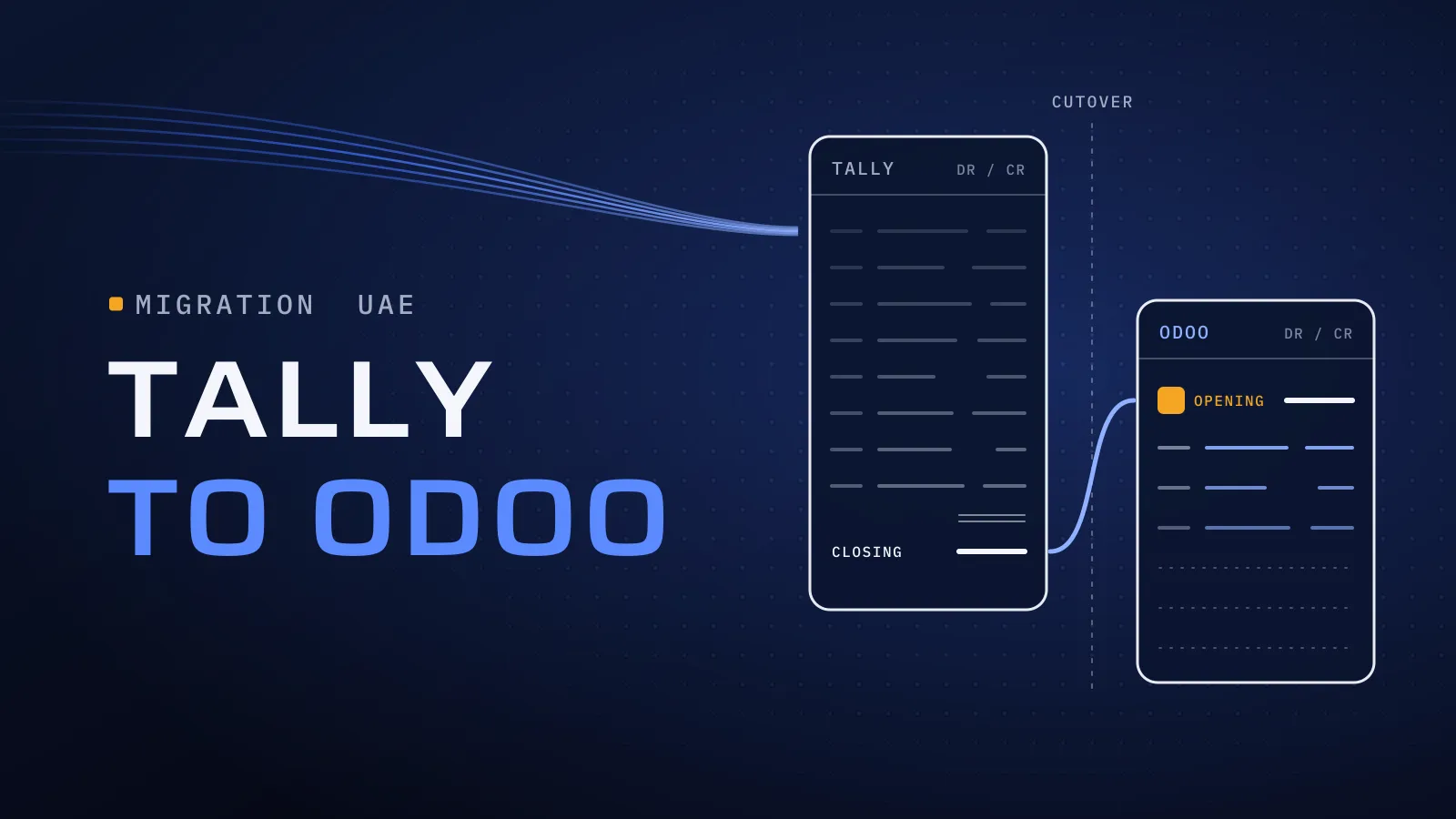
The method is the one in our Tally to Odoo migration guide: move the masters, open invoices and bills, stock on hand and opening balances; keep the history in the old system; and switch at the start of a VAT period, after two rehearsals. Four points are specific to QuickBooks:
- Export before you cancel. Download your reports and filed VAT returns from QuickBooks, and keep them as long as the FTA requires.
- One company at a time. Each QuickBooks company is migrated and checked on its own, then sits beside the others in one Odoo database.
- Classes and locations usually become analytic accounts or branches. Agree the mapping with whoever reads the management reports.
- Stock on hand arrives as an opening count at cost, and quantity times cost must equal the stock value on the balance sheet.
Who runs your move
We implement Odoo for UAE businesses from Dubai Digital Park, and our Odoo team leads the rollout, from the first workshop to the first VAT return filed from Odoo. Since 2014 we have delivered software for more than 100 clients, and our Odoo clients stay under NDA. Quality is built into every step:
- CTO oversight on the company structure and tax design, the decisions hardest to undo later.
- Independent QA before each release: opening balances and the first VAT return are rechecked by someone who didn’t load them.
- A dated plan in FloPlan, the delivery software we built and use ourselves.
Our core team are native Arabic speakers who work in English, so bilingual invoices are checked by people who read both. Outside Odoo, we also build custom ERP: Al-Mawared ERP is a web-based ERP for exchange companies across the MENA region. Talk to the team that built it: book a meeting.
Bring your QuickBooks setup
Tell us your QuickBooks plan, your companies and locations, whether you hold stock, how payroll runs and your e-invoicing date. If Odoo fits, data migration, VAT and Corporate Tax setup, WPS payroll and the e-invoicing connection are part of our Odoo implementation services in the UAE. If QuickBooks is still enough, we say so.
Ask if you’ve outgrown QuickBooks → We ask about your goal, what you use today, your timing and who else should be involved. You leave with clear next steps. We reply by email first and set up a call only if you want one. Asking commits you to nothing, and we sign an NDA first if you ask.
Intuit’s UAE plans and VAT pages, its help articles on screen languages, extra companies and QuickBooks Desktop support, Odoo’s pricing page and UAE localisation documentation, and the Ministry of Finance provider list checked on 27 October 2026.
Comparing other systems? Read Odoo vs Zoho, Odoo vs SAP Business One, Odoo vs Business Central, Odoo vs ERPNext and Odoo vs NetSuite for the UAE.
Frequently asked questions
Can QuickBooks Online prepare UAE VAT returns?
Yes. The UAE edition of QuickBooks Online comes with the 5% VAT codes set up and prepares the return from the codes on each transaction. Odoo builds the VAT201 return in the FTA's format, and you enter the figures in EmaraTax. In both, the return is only as good as the TRNs, emirates and tax codes behind it.
Is QuickBooks ready for UAE e-invoicing in 2027?
Intuit is not on the Ministry of Finance list of accredited service providers, checked on 27 October 2026, so QuickBooks needs a connection to the provider you appoint. Ask each provider on your shortlist whether it connects to QuickBooks Online and to send a test invoice from your account. Odoo isn't on the list either; it connects to your provider through a connector.
Does QuickBooks work in Arabic?
Intuit lists Arabic among the screen languages of QuickBooks Online's international edition. Before you rely on it, ask to see your own bilingual tax invoice. Odoo's screens run in Arabic, right to left, and Arabic can be the second language on tax invoices.
Can QuickBooks run payroll and WPS in the UAE?
Payroll isn't among Intuit's UAE plans, checked on 27 October 2026, so UAE companies on QuickBooks run salaries in another tool or through their bank's WPS portal and post a journal. Odoo's Payroll app produces UAE WPS files and works out end-of-service gratuity in the same system as the accounts.
We run two companies in QuickBooks. What changes in Odoo?
In QuickBooks Online each company needs its own subscription, with separate data and users. Odoo keeps several companies in one database, each with its own TRN and VAT return, so group figures need no Excel merge. Several companies in one database need Odoo's Custom plan.
When should we stay on QuickBooks?
When you run one company with little or no stock, a small finance team, payroll handled elsewhere and an e-invoicing provider that connects to QuickBooks Online. Connect it for 2027 and look again when stock, a second company or payroll starts to live outside the books.