Odoo ASP Integration in the UAE: Connecting Odoo to Your E-Invoicing Provider
Odoo ASP integration in the UAE: what the connector must do, the data to fix first, which Odoo plan allows which route, and the ASP's role versus ours.
Odoo ASP integration in the UAE decides whether your invoices still reach customers once e-invoicing starts. From your date, a B2B invoice counts only when it travels as structured data through an Accredited Service Provider (ASP): connect Odoo to that provider properly and finance keeps invoicing from Odoo as it does today; leave it rough and invoices sit rejected while customers wait to pay.
What does Odoo ASP integration in the UAE involve?
Quick answer: Odoo has no built-in UAE e-invoicing module yet, so a connector sends each posted invoice and credit note to your accredited provider and writes the answer back on the invoice. You sign with the ASP; your implementer cleans the data, maps taxes, sets up the connector and tests every case with the ASP before go-live.
Choosing your ASP now? Talk to us about connecting Odoo to your ASP.
What a late connection costs you
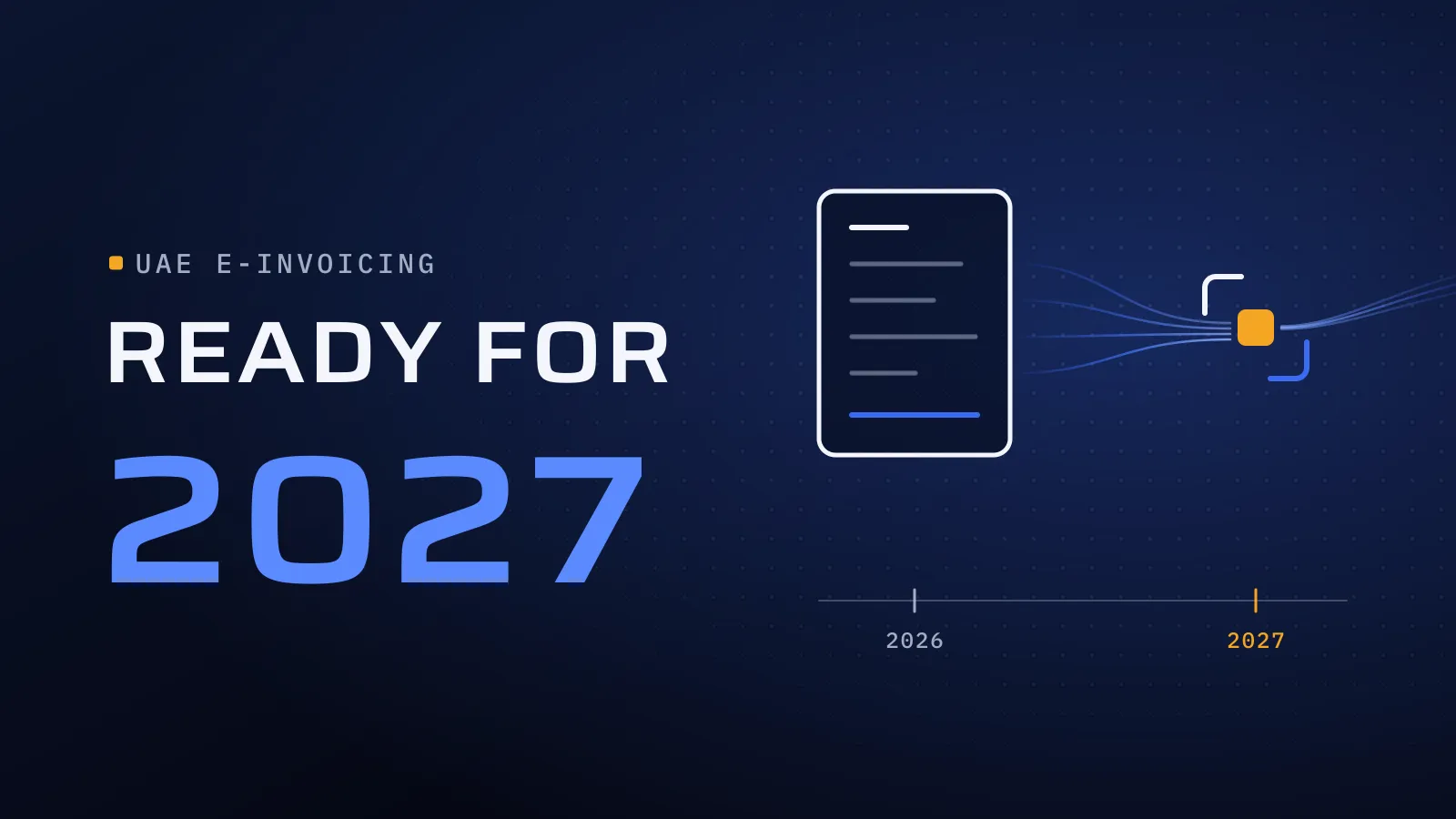
The dates don’t move with your project. Businesses with revenue of AED 50 million or more appoint an ASP by 30 October 2026 and go live on 1 January 2027; smaller ones appoint by 31 March 2027 and go live on 1 July 2027, as our UAE e-invoicing 2027 guide sets out with its sources. The connector is usually the last piece ready, because it waits on clean data, a signed ASP and test access. Leave it to the final month and the first rejections land in your first live month, when customers can no longer take a PDF instead. Start now and there is time to test with your ASP, or even to go live early: voluntary use opened on 1 July 2026.
Who does what: your ASP, the connector and us
Three parties touch every e-invoice, and the gaps between them are where invoices get stuck.
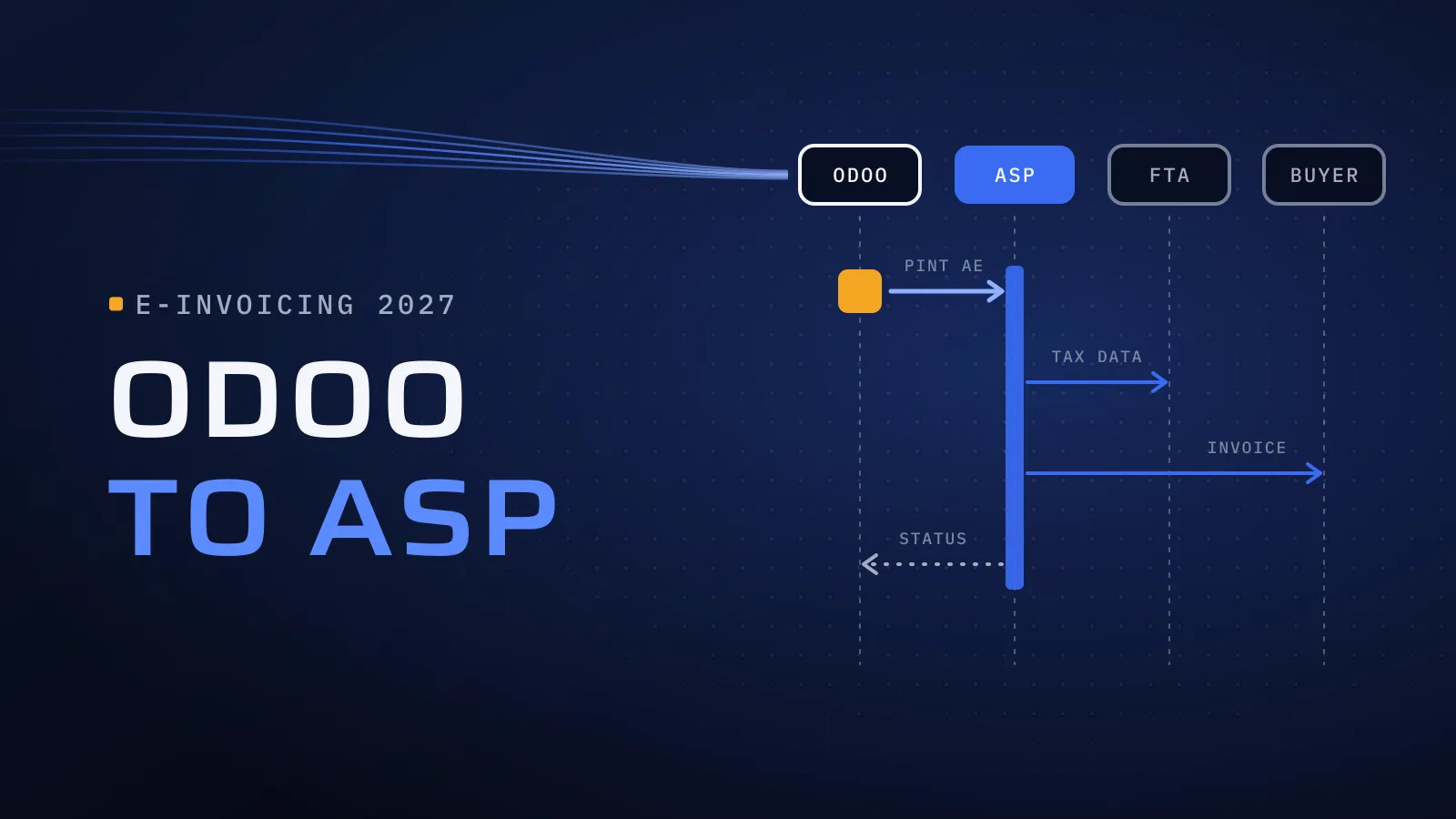
- Your ASP is accredited by the Ministry of Finance. It validates each invoice against the UAE rules, delivers it to your customer’s ASP over the Peppol network, reports the tax data to the FTA and returns a status. You choose it and sign with it directly.
- The connector is the software between Odoo and the ASP. It sends what Odoo posts and brings the answers back. It can be a module inside Odoo, a service outside it or, later, a native integration from Odoo itself.
- Your implementer owns the Odoo side: data, tax mapping, invoice formats, the connector’s set-up, the tests and the go-live.
We implement Odoo in the UAE and set up the connection to the accredited provider you choose. We are not an ASP, so we have no provider to push; we work alongside the one you pick, from the first test invoice to go-live.
What an Odoo PINT AE connector must do
PINT AE is the UAE’s version of the Peppol invoice format, and your ASP checks every invoice against it. Ask each connector vendor to run these six jobs on your Odoo version, against your ASP’s test environment, before you pay:
- Send without a person in the loop. Posted invoices and credit notes leave Odoo automatically in the format your ASP takes in, each credit note tied to its original invoice.
- Write the answer back. Each invoice shows its status in Odoo (sent, accepted or rejected) with the ASP’s reason in words finance can act on.
- Cope with a bad day. If the ASP or the network is down, invoices queue and retry, and someone gets an alert. Nothing is lost silently.
- Bring supplier invoices in. E-invoices from your suppliers arrive through your ASP as draft vendor bills, because the buyer needs an ASP too.
- Handle every legal entity. Each company in your Odoo database sends under its own registration numbers.
- Keep a record. A log of every message sent and received, linked to its invoice, for the day the FTA or your auditor asks.
Fix your Odoo data before the connector
Most rejections start in Odoo, not in the connector. Before anyone configures it, finance should check:
- Customers and suppliers: TRN, legal name and address for every B2B and B2G record, with duplicates merged.
- Tax codes: standard-rated, zero-rated, exempt, reverse charge and out of scope, each mapped to the UAE e-invoice categories.
- Products and units: consistent descriptions, codes and units of measure, since line items travel in the data.
- Credit notes: raised against the original invoice in Odoo, never as a free-standing negative invoice.
- Company details: each entity’s TRN, address and bank details correct in Odoo’s settings.
The e-invoicing guide carries the full readiness checklist; these five rows cause most of the trouble.
Odoo Online, Odoo.sh or your own servers: which route fits
For Odoo e-invoicing in the UAE, your Odoo plan decides how a connector can reach your ASP. Odoo’s documentation says Odoo Online is incompatible with custom modules or modules from the Odoo Apps Store, and outside software that calls Odoo’s API needs the Custom plan, as our Odoo implementation cost guide explains. Find your row:
| Your Odoo today | Route to your ASP | Check before you sign |
|---|---|---|
| Odoo Online, Standard plan | Your ASP’s own portal, if it offers one; Odoo’s announced ClearTax integration, once it ships; or move to the Custom plan | A portal means uploading or retyping invoices, which only works at low volume |
| Odoo Online, Custom plan | A service outside Odoo that reads posted invoices through Odoo’s API and writes statuses back | How the status reaches each invoice, and who fixes the link when Odoo updates |
| Odoo.sh or on-premise, Odoo 18, 19 or 20 | A connector module installed in your database | The module is published and tested for your exact version, with your ASP |
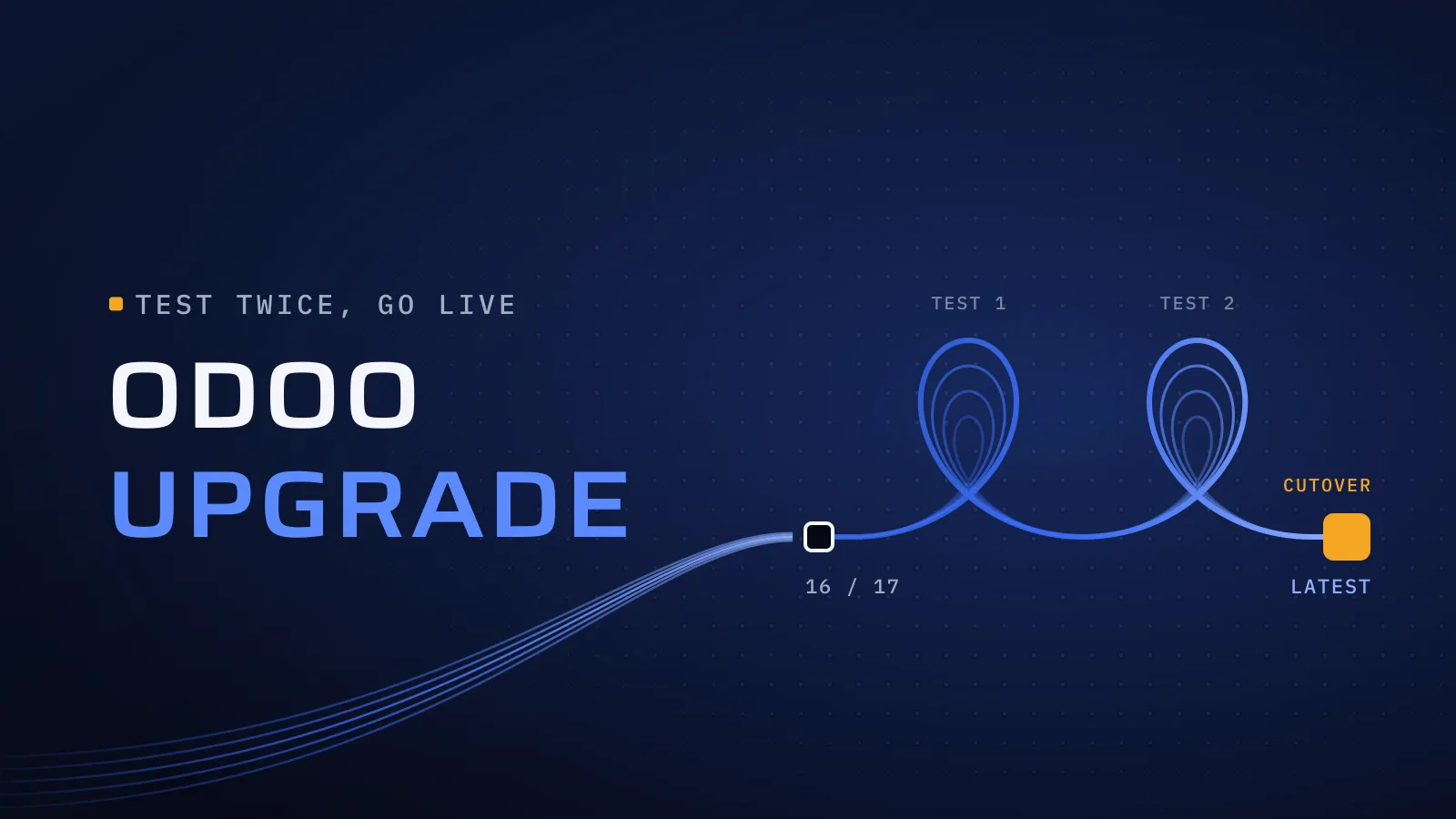
| Odoo 16 or 17, any hosting | Usually: upgrade first, then connect once | Standard support for 17.0 ended in September 2026; our Odoo upgrade guide for the UAE covers the move |
Read connector listings closely. Some UAE listings on the Odoo Apps store show “Odoo Online” under availability, which doesn’t match Odoo’s documentation, and one we read says its connector doesn’t by itself meet the UAE obligations and hasn’t been tested with any ASP. Ask the vendor in writing how the connector runs on your database before you buy.
Not sure which row you’re in? Send us your Odoo version, plan and hosting, and the ASP you’re leaning towards. We reply with the route that fits, what your data needs first and what to ask the connector vendor. Talk to us about connecting Odoo to your ASP →
Not ready for a call? Ask for our company profile and we’ll send it to you.
The native ClearTax connector: what was announced, and what wasn’t
In early September 2026, ClearTax and Odoo announced that Odoo will build a native ClearTax integration for its customers in the UAE and the wider GCC, starting with an estimated 4,000 to 5,000 businesses that use Odoo in the UAE and Oman. ClearTax appears on the Ministry of Finance list of accredited service providers as Defmacro Software DMCC; Odoo itself is not on the list.
The announcement gave no release date, no Odoo versions and no price. Until those are public, plan as if it won’t arrive in time:
- Going live on 1 January 2027? Don’t wait. Appoint your ASP by 30 October and connect through a route from the table now.
- Going live on 1 July 2027? Do the data and tax work now, since every route needs it, and settle the connector by the time you appoint your ASP.
- Choosing ClearTax as your ASP? Ask how it would move you from a connector to the native integration later, and what you would retest.
How to set up Odoo ASP integration, step by step
- Fix the data and tax mapping in Odoo. The checks above, done by finance and reviewed by your implementer. Every route needs them, so this work is never wasted.
- Choose the ASP and the route together. Pick a provider from the accredited list, confirm the route for your plan and version, and get the ASP’s test access in writing.
- Set up the connector on a copy of your database: credentials, entities, tax mapping, status write-back and alerts.
- Test every case with your ASP: a normal invoice, a credit note, a rejected invoice corrected and resent, an inbound supplier invoice and a day the connection is down.
- Go live at the start of a month or VAT period, with a named owner for rejections and for telling the ASP about registration changes.
Who sets it up
We implement Odoo for UAE businesses from Dubai Digital Park, with our core engineering team in Alexandria. Our part is the Odoo side: data, tax setup, invoice formats, the connection to your ASP and the tests. Two of the ways we work fit this job. Independent QA: a dedicated testing and quality assurance process, so the person running the ASP test cases is not the person who configured the connector. Transparent delivery: clear milestones, reporting and communication, so you always know which test cases have passed and which are left.
Outside Odoo, we have built finance software from scratch. Al-Mawared ERP is a web-based ERP we built for exchange companies across the MENA region. Talk to the team that built it: book a meeting.
Bring your Odoo version and your date
Tell us which Odoo you run, where it is hosted, how many legal entities send invoices and which ASP you are considering, even if you haven’t chosen one. Our Odoo implementation services in the UAE cover the rest of the e-invoicing work around the connection.
Talk to us about connecting Odoo to your ASP → We ask about your goal, what you use today, your timing and who else should be involved. You leave with clear next steps. The call commits you to nothing, and we sign an NDA first if you want one.
Odoo’s documentation, the Ministry of Finance ASP list and the ClearTax announcement checked on 24 October 2026.
Frequently asked questions
Is Flojics an Accredited Service Provider?
No. We implement Odoo in the UAE and set up the connection from Odoo to the accredited provider you choose. You sign with the ASP directly, and we work alongside it through testing and go-live. Because we sell no ASP subscription, our advice on which route fits your Odoo isn't tied to any one provider.
Can we do UAE e-invoicing on Odoo Online?
Not with a connector module, because Odoo's documentation says Odoo Online can't run custom or Odoo Apps Store modules. On the Custom plan, a service outside Odoo can connect through Odoo's API; on the Standard plan, you rely on your ASP's own portal or a future native connector. Moving to Odoo.sh is the other route, and each one can be scoped against your invoice volume before you commit.
Should we wait for the native ClearTax connector?
Not if your date is 1 January 2027. If it is 1 July 2027, do the data and tax work now, since every route needs it, and decide on the connector by the time you appoint your ASP, which is due by 31 March 2027. The announcement gave no release date, versions or price, so plan with what is available today and nothing is lost if it arrives early.
Do we need the connector for invoices we receive?
Yes. The buyer of an e-invoice needs an ASP too, so supplier invoices reach you through your ASP. A good connection turns them into draft vendor bills in Odoo, ready for approval, so accounts payable keeps working from one place.
How much does an Odoo ASP integration cost?
Expect three lines: the ASP's subscription, which each provider quotes; any connector licence; and the Odoo work, which is agreed in your proposal. The Odoo work moves with the state of your data, the number of legal entities, your Odoo version and hosting, and how many invoice types and inbound bills you handle. Pricing every line up front keeps the budget predictable.
Which Odoo versions can connect to an ASP?
That depends on the connector: each is published for specific versions, so check it is listed for your exact version and hosting. Odoo 17's standard support ended in September 2026, so if you run 16 or 17, upgrading first usually means you connect and test once, on the version you will keep.