Odoo Implementation in the UAE: A Complete Guide for 2026
Odoo implementation in the UAE, step by step: the eight phases and what you get from each, typical timelines, modules, VAT set-up and data migration.
An Odoo implementation in the UAE puts accounts, sales, stock and payroll in one system, set up for 5% VAT and ready for 2027 e-invoicing. Done well, finance works from one set of numbers; done badly, you pay once to set it up and again to fix it.
How does an Odoo implementation work in the UAE?
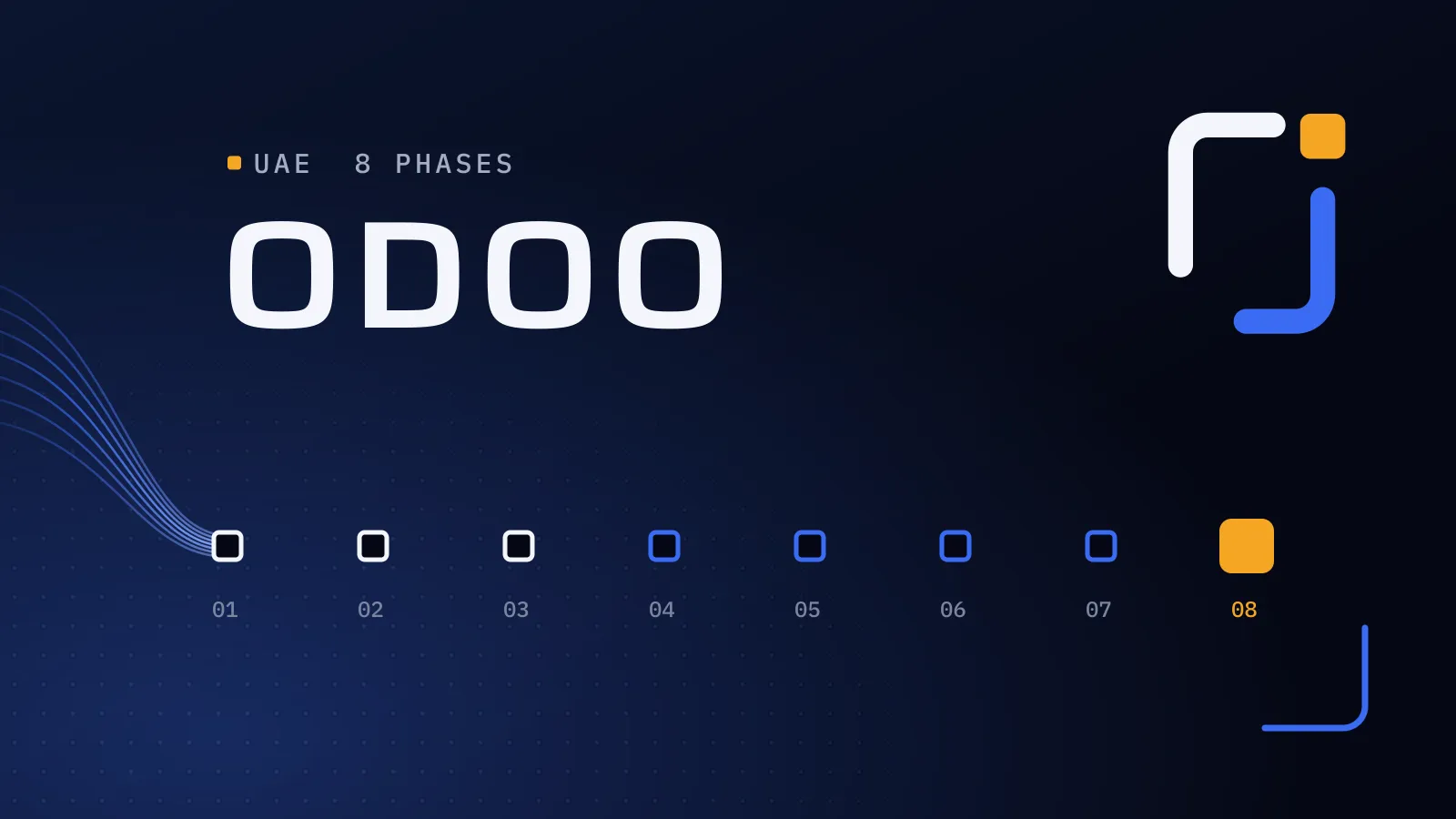
An Odoo implementation in the UAE runs in eight phases: discovery, fit-gap design, configuration, data migration, testing, training, go-live and support. A small rollout typically takes 6–10 weeks and a mid-sized one 3–6 months. The UAE-specific work is 5% VAT and corporate tax set-up, Arabic documents, WPS payroll and readiness for 2027 e-invoicing.
Planning a rollout? Talk to us about your Odoo project.
Every month on spreadsheets and disconnected tools is another manual month-end and another VAT return built by hand. E-invoicing adds fixed dates: 1 January 2027 for businesses with revenue of AED 50 million or more, and 1 July 2027 for smaller ones in scope. A project that starts now builds e-invoicing in once, instead of reopening the system later.
Why UAE businesses choose Odoo
Odoo is modular. You start with the apps you need, such as accounting, sales and inventory, and add more as you grow, all on one database. For UAE companies, the main attractions are:
- UAE localisation: 5% VAT, zero-rated and exempt taxes, reverse charge, a VAT return report and a corporate tax report.
- Arabic and English interfaces and documents.
- Multi-company and multi-currency, useful for groups with mainland and free zone entities or operations across the GCC.
- Steady UAE updates. The Odoo 20 release notes list a redesigned UAE chart of accounts aligned with IFRS and UAE Commercial Companies Law, an FTA VAT audit file generated from the general ledger (also from 19.0), an Emiratisation report and an improved WPS export.
Community or Enterprise? Odoo Community is free and open source, but full Accounting with its financial and tax reports, Payroll and Odoo Studio are Enterprise-only, so most UAE implementations use Enterprise. The Standard plan runs on Odoo Online only; the Custom plan adds Studio, multi-company, external API access and the option of Odoo.sh or on-premise hosting. New to ERP? Start with why your business needs an ERP system.
Core Odoo modules for UAE companies
| Module | What it covers | UAE considerations |
|---|---|---|
| Accounting | Ledger, payables, receivables, bank reconciliation, reporting | VAT returns, FTA audit file, corporate tax report, multi-currency |
| Sales and CRM | Leads, quotations, orders, pipeline | Bilingual quotations, VAT on invoices |
| Inventory and Purchase | Warehouses, stock moves, procurement, landed costs | Mainland and free zone warehouses, import VAT |
| Manufacturing | Bills of materials, work orders, quality | Common for UAE factories and assembly businesses |
| Point of Sale | Retail and F&B tills | Receipts with VAT shown correctly |
| HR and Payroll | Employees, leave, attendance, payslips | WPS export, end-of-service benefits, Emiratisation reporting |
| Projects and Timesheets | Project costing, billing by time | Popular with consultancies and contractors |
| Website and eCommerce | Online store linked to stock and accounting | Can replace or connect to an existing store (our e-commerce work) |
Odoo implementation phases, and what you get from each
Take this table to your project team. The last column is the part only your business can do, and it decides the timeline more than any technical work.
| Phase | What happens | What you get | Your team’s part |
|---|---|---|---|
| 1. Discovery and process analysis | Workshops with each department map how work really flows, the bottlenecks and the reports management needs | A scope document and a prioritised list of requirements | Process owners in each department, and one decision-maker |
| 2. Solution design and fit-gap | Each requirement is matched to standard Odoo; gaps are closed by changing the process, configuring differently or, last, custom code | A design you sign off, with every custom item listed | Agree the process changes |
| 3. Configuration and customisation | Companies, chart of accounts, taxes, warehouses, approvals and document templates set up; agreed modules and integrations built | A working system on a test database | Review each area as it is ready |
| 4. Data migration | Master data and opening balances cleaned and imported, with at least two trial runs | Balances reconciled against the old system | Clean and approve your data |
| 5. Testing and user acceptance | Key users run real scenarios end to end: quote to cash, procure to pay, a payroll run, a VAT return | Written sign-off from each key user | Key users’ time for testing |
| 6. Training | Each user group is trained on its own tasks, by role rather than by module | Trained key users and short guides in Arabic and English | Release staff for sessions |
| 7. Go-live and hypercare | Cutover at the start of a month or VAT period, then two to four weeks of close support | A live system and a closed list of early fixes | Freeze data in the old system |
| 8. Support and optimisation | Fixes, new reports and features, and version upgrades | A system that keeps up with the business | Report issues and plan the next phase |
Our ERP and Odoo service follows the same path.
How long does Odoo implementation take?
| Project size | Typical scope | Typical timeline |
|---|---|---|
| Small | 1–3 apps (e.g. Accounting, Sales, Inventory), up to about 20 users, standard processes | 6–10 weeks |
| Mid-sized | 5–10 apps, several warehouses or companies, some integrations and customisation | 3–6 months |
| Complex | Manufacturing, multiple entities across the GCC, payroll, heavy integrations | 6–12 months |
The biggest delays are rarely technical. They come from slow decisions, unclear process ownership and poor-quality data. Your own timeline is agreed in your proposal, after discovery.
Want the eight phases mapped to your business? We implement Odoo for UAE companies, and the first step is a discovery phase that turns your processes into a written scope.
Book a discovery call → · Not ready for a call? Ask for our company profile and we’ll send it to you.
Budgeting for the project
The budget has four lines: licences, implementation services, customisation and integrations, and hosting and support. Our Odoo implementation cost guide prices each one in AED, with market ranges and a sample budget for a 15-user company. A Flojics figure is agreed in your proposal, once discovery has fixed the scope.
UAE VAT, corporate tax and e-invoicing in Odoo
At a minimum, your configuration should cover:
- Taxes for standard-rated (5%), zero-rated, exempt and out-of-scope supplies, plus reverse charge on imported services.
- Tax invoices showing your TRN, the words “Tax Invoice” and a clear VAT breakdown.
- A VAT return report mapped to the FTA’s VAT201 return, and FTA audit file generation.
- Corporate tax reporting, which depends on your accounts being tagged correctly.
- Record retention: VAT records generally have to be kept for at least five years (15 for real estate) and corporate tax records for seven, so decide where legacy data lives.
For 2027 e-invoicing, invoices leave Odoo as structured PINT AE data through an Accredited Service Provider (ASP), and both buyer and seller need one. Odoo has no built-in PINT AE module yet, so the project needs clean master data, mapped tax codes and a tested connector. We prepare your Odoo data, tax setup and invoice formats, then set up and test the connection to the accredited service provider you choose. Our UAE e-invoicing 2027 guide has the deadlines, penalties and Odoo set-up steps.
Data migration: what to move
Migrate what you need to operate, not everything you have ever recorded:
- Chart of accounts and opening balances
- Open receivables and payables
- Customers and suppliers, with TRNs and contacts
- Products, prices and opening stock with valuation
- Open sales and purchase orders
- Employee records, if you are implementing payroll
Keep full transaction history in the old system or an archive for the retention period. Reconcile balances after each trial migration, then freeze data and cut over at a month or VAT-period end.
Common Odoo implementation mistakes, and how we avoid them
- Over-customising. Every customisation makes upgrades slower and dearer. We change the process first and code only what standard Odoo cannot do.
- Recreating old spreadsheets in Odoo. Discovery maps how work should flow before anything is configured.
- Migrating dirty data, such as duplicate customers and wrong TRNs. Data is cleaned and reconciled in trial runs, before cutover.
- Choosing Odoo Online, then needing custom modules it cannot run. Hosting is decided in design, once the custom items are known.
- Leaving VAT and e-invoicing to the end. Tax set-up is configured and tested with the rest of accounting.
- No internal project owner. We agree one decision-maker on your side at kick-off.
- Going live everywhere at once. Groups can go live entity by entity when that is safer.
Planning an Odoo rollout with Flojics
We implement Odoo for UAE businesses, from process analysis and configuration to data migration, training and support after go-live. We tell you up front who would work on your implementation. Two of our pillars shape the work: transparent delivery, so you always see progress against the agreed scope, and custom development by our own engineers where standard Odoo falls short.
We have built ERP software from scratch too: Al-Mawared ERP, a web-based system for exchange companies across the MENA region, with real-time multi-currency exchange and branch management. You bring the business knowledge; we handle the implementation for you.
Book a discovery call about your Odoo rollout. We ask about your goal, what you use today, your timing and who else should be involved. You leave with clear next steps. The call commits you to nothing, and we sign an NDA first if you want one.
Odoo features and UAE dates checked on 21 October 2026.
Frequently asked questions
How long does an Odoo implementation take in the UAE?
A small rollout with a few apps typically takes 6–10 weeks, a mid-sized project 3–6 months, and a complex multi-company or manufacturing project 6–12 months. Decision speed and data quality matter more than technical complexity, so one decision-maker on your side is the surest way to stay on plan.
How much does an Odoo implementation cost in the UAE?
The budget has four parts: licences, implementation services, customisation and integrations, and hosting and support. Our Odoo implementation cost guide gives sourced market ranges in AED. A Flojics figure is agreed in your proposal after discovery, so you know the scope before you commit to the build.
Should we choose Odoo Community or Enterprise?
Most UAE businesses choose Enterprise, because full Accounting with tax reports, Payroll and Studio are Enterprise-only. Community can work for simple needs, but building the missing features usually costs more than the licence saving. Discovery settles it before you buy any licences.
Which Odoo version should we implement in 2026?
New projects should normally start on Odoo 20, released in September 2026, because Odoo supports its three most recent major versions and the newest stays supported longest. Odoo 19 can still make sense if a connector you depend on is not yet available for version 20. Either way, the version is agreed before configuration starts.
Does Odoo handle UAE VAT and 2027 e-invoicing?
Odoo's UAE localisation covers 5% VAT, zero-rated and exempt taxes, reverse charge, the VAT return and corporate tax reporting, and versions 19 and 20 generate the FTA VAT audit file. For 2027 e-invoicing, Odoo connects to an accredited service provider through a connector: we prepare your Odoo data, tax setup and invoice formats, then set up and test the connection to the provider you choose. Both are set up for your business as part of the project.
What if something goes wrong after go-live?
Plan two to four weeks of hypercare after cutover, when issues are fixed as users find them, then ongoing support for fixes, reports and upgrades. Going live at the start of a month or VAT period, after two reconciled trial migrations, keeps any issue small and easy to trace.