AI Document Processing for UAE Finance Teams: Invoices from PDF to ERP, Ready for E-Invoicing 2027
AI document processing for UAE finance teams: which invoices, receipts and contracts to automate first, how they reach your ERP, and where e-invoicing fits.
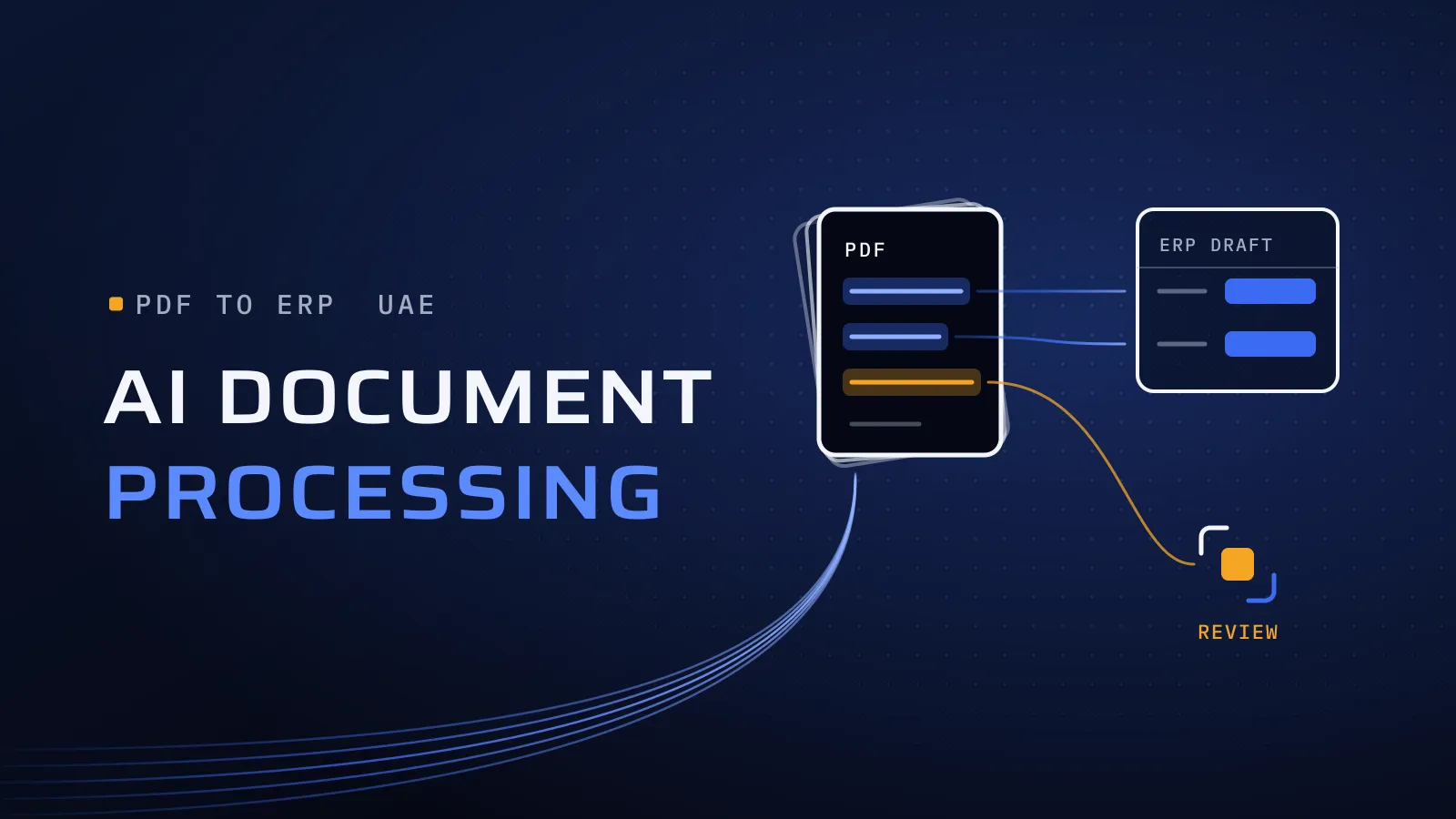
AI document processing takes the retyping out of your finance team’s week: PDF invoices, receipts and statements become checked draft entries in your ERP, and people review only the cases that need them. For UAE companies the timing matters as well, because e-invoicing in 2027 turns many supplier invoices into structured data, while plenty of documents keep arriving as PDFs.
What is AI document processing, and where does it pay off after e-invoicing?
Quick answer: AI document processing reads invoices, receipts, statements and contracts, pulls out the fields your ERP needs, checks them against your rules and creates a draft entry for a person to approve. In the UAE, e-invoicing turns many local supplier invoices into structured data from 2027. AI still pays off on invoices from abroad, receipts, contracts, the transition months and matching.
What does retyping cost you until then?
The cost arrives later than the work. A total keyed wrong turns up at month-end. A supplier is paid twice because the same invoice came by email and by courier. A supplier’s TRN typed with one digit wrong stays in your records until someone checks, and clean supplier records are the first item on any e-invoicing readiness list. Every month the work stays manual, the backlog builds before close and skilled people spend their time copying instead of checking.
What changes when UAE e-invoicing arrives?
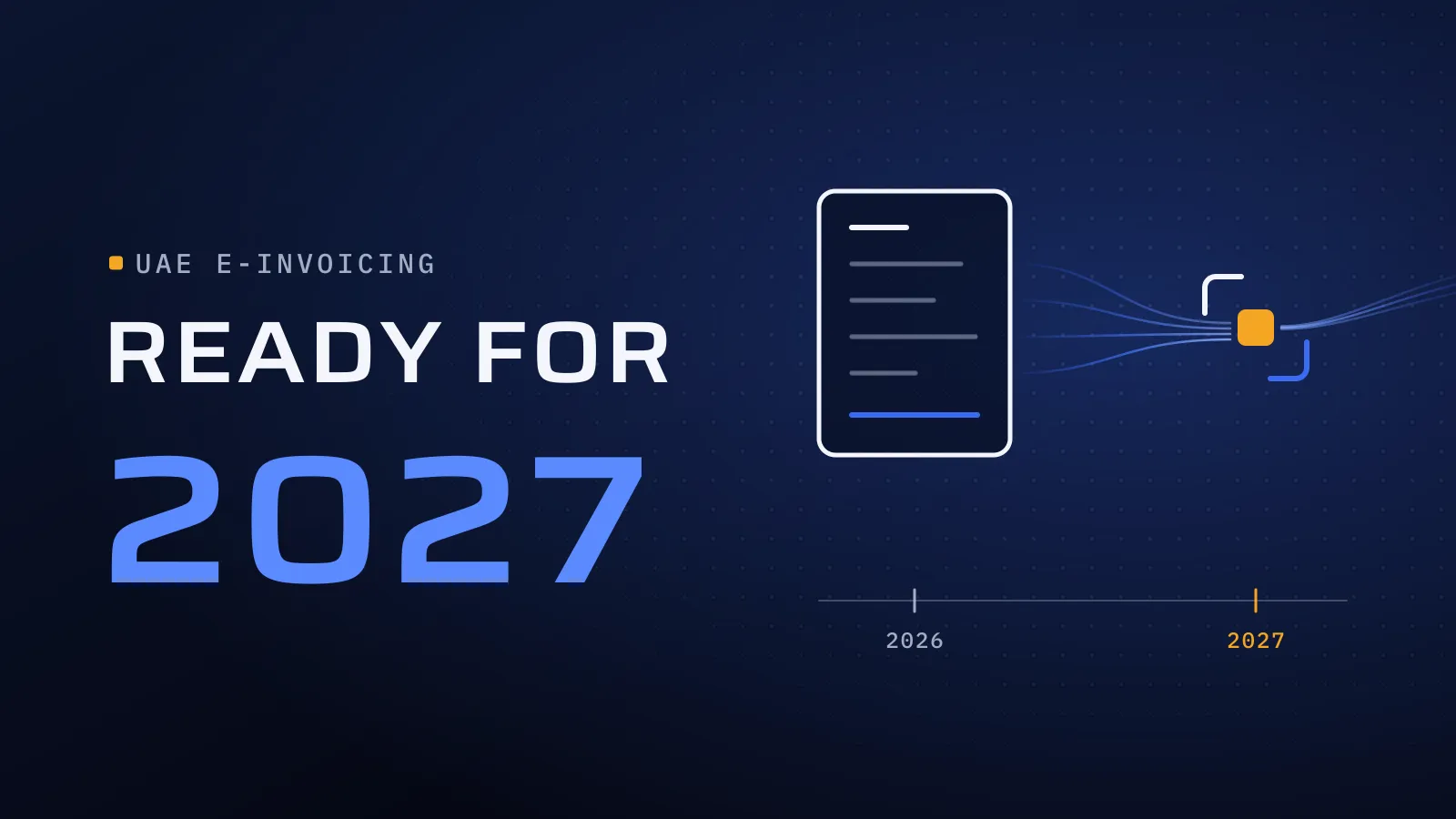
Between UAE businesses, structured e-invoices replace PDFs. Once a supplier and your company are both live, that supplier’s invoice reaches you through your accredited service provider (ASP) as data, with nothing to read. Each group has its own date, set out in our UAE e-invoicing 2027 guide. That removes one job from AI document processing and leaves four:
- Documents outside the mandate. Services you buy from suppliers abroad, billed under the reverse charge, are not subject to the UAE e-invoicing requirements (KPMG), so those invoices keep arriving as PDFs. So do employee receipts, because B2C stays out, along with contracts, delivery notes and bank statements, which were never invoices.
- The transition months. Your suppliers go live on different dates through 2027, so for months your team receives e-invoices from some and PDFs from others. One intake for both keeps accounts payable on a single process.
- Matching. A structured invoice is easier to read, not automatically right. It still has to match the purchase order, the goods received and the agreed price before anyone pays it. Clear rules do most of the matching; AI helps where the wording differs, such as a supplier’s item name that doesn’t match yours.
- Clean data before go-live. Your past supplier invoices carry the TRN, legal name and address each supplier prints. Reading them against your supplier records shows the gaps and duplicates to fix before e-invoicing starts, with a person approving every change.
If your only pain is PDF invoices from UAE suppliers, we will say so plainly: e-invoicing removes much of it from each supplier’s go-live date, so AI for those documents is a bridge, not a long build.
How does AI document processing work?
- Pick one document type and measure today. Count the documents a month, the minutes each takes and the errors found at month-end. That baseline decides later whether the automation earns its place.
- Collect real samples and agree the fields. Use a few months of real documents, including poor scans, phone photos and Arabic and English on the same page. Agree the fields your ERP needs and the checks each must pass: a valid TRN format, lines that add up to the total, VAT that matches the rate, a purchase order that exists.
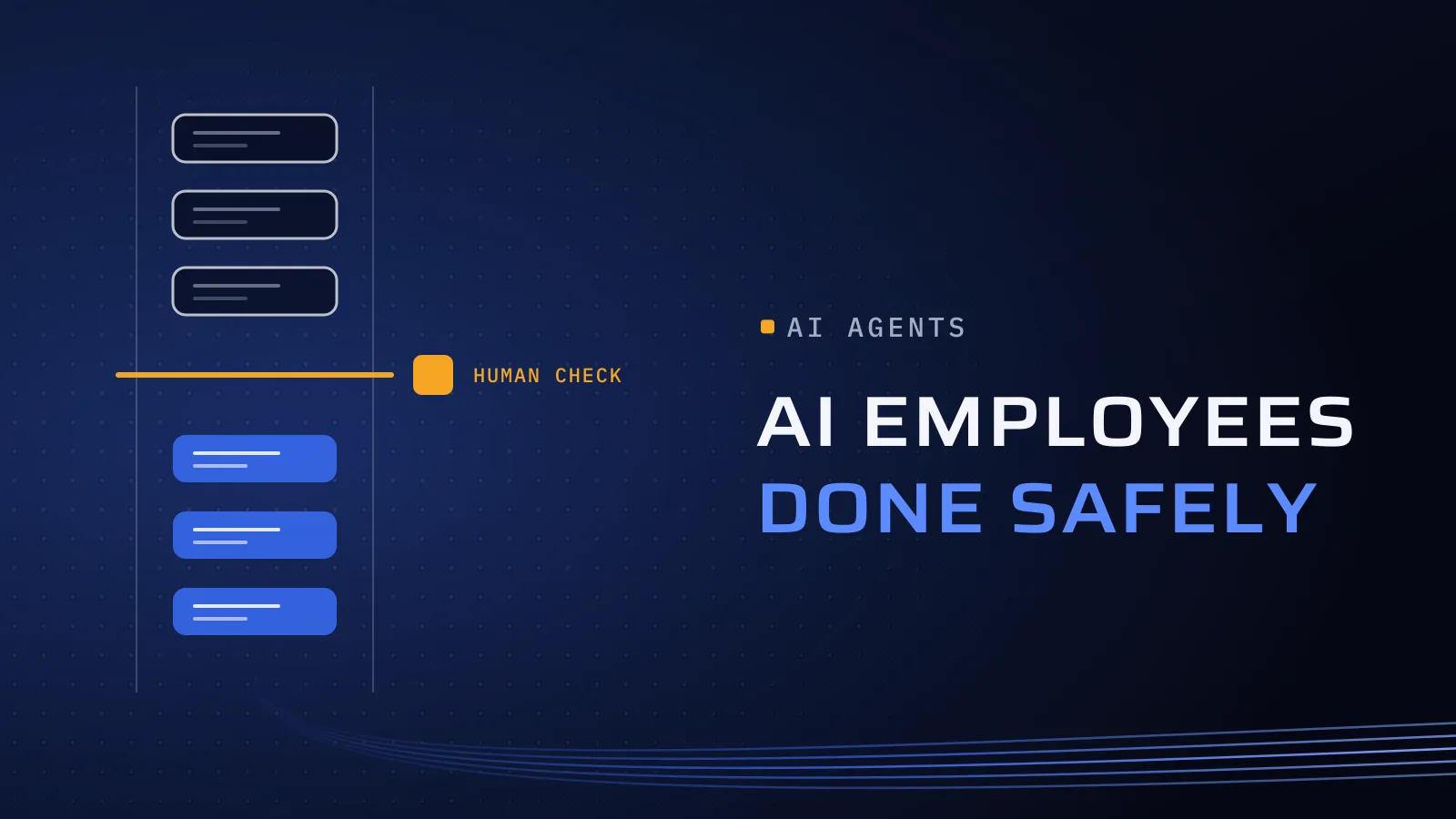
- Set a confidence threshold and an exceptions queue. Every field gets a confidence score. Anything below the threshold your finance team sets, or that doesn’t pass a check, goes to a queue where a person sees the document and the extracted fields side by side. New suppliers and amounts above your limit always go there.
- Run it beside your team. For a trial period the system reads real documents without posting anything, and its output is compared, field by field, with what your team keyed.
- Go live in draft, then widen. Entries arrive in your ERP as drafts for a person to approve and post, and payments are released by people. Add the next document type only when accuracy, exceptions and time per document beat the baseline.
The access and logging rules behind step 5 are the same as for any AI agent; our guide to AI agents for enterprises sets them out.
Which documents should you automate first?
Take this table to your finance and operations leads. Start with the row where volume is high, the fields are clear and a mistake is easy to catch before payment.
| Document | Volume | AI fit | Human check needed | ERP target |
|---|---|---|---|---|
| Invoices from suppliers abroad | Steady, every month | High: set fields, many layouts | New suppliers, PO mismatches, amounts above your limit | Draft vendor bill |
| PDF invoices from UAE suppliers | High until each supplier’s e-invoicing date | High, but short-lived: plan it as a bridge | As above | Draft vendor bill |
| E-invoices from your ASP | Rising through 2027 | No reading needed; automate the matching | Only mismatches with the PO or goods received | Vendor bill matched to the PO |
| Employee receipts | Many, small amounts | Good on clear photos, weaker on faded paper | Items outside your expense policy | Expense claim |
| Delivery notes and goods-received notes | High in trading and logistics | Good; test handwritten marks first | Quantity differences | Receipt matched to the PO |
| Bank and card statements (PDF) | Monthly, per account | Good, but a bank file or feed is exact, so use one where your bank offers it | Unmatched lines | Bank reconciliation |
| Contracts and price agreements | Low volume, high value | Key terms only: parties, prices, payment terms, end and renewal dates | Always: finance or legal checks against the source | Supplier terms and agreed prices |
In the UAE we implement Odoo. If Odoo already runs your accounts and your bills are standard, start with Odoo’s own document digitisation, which reads vendor bills for one prepaid credit per document and needs no credits for XML files (Odoo documentation). Custom processing pays off when you need your own checks, documents beyond vendor bills, matching against your orders and receipts, or one intake that feeds more than one system. On another ERP or accounting system, the same steps apply through its API.
Find your first AI process
Send us the documents your team retypes today, with a rough monthly count for each. We reply with the one we would automate first, what a first version would cover and which cases should stay with your people.
Find your first AI process → · Running Odoo? Plan the Odoo side with us →
Not ready for a call? Ask for our company profile and we’ll send it to you.
How Flojics builds document processing
Since 2014 we have built software for more than 100 clients across the UAE, Saudi Arabia, Qatar, Kuwait, the USA and Canada, from our headquarters at Dubai Digital Park in Dubai Silicon Oasis. For UAE companies on Odoo, our e-invoicing work means preparing Odoo data, tax setup and invoice formats, then setting up and testing the connection to the accredited service provider the client chooses. We are not an ASP. Document processing builds on the same ground: the supplier records, tax codes and purchase flows that e-invoicing depends on.
Our AI and automation work follows one rule on finance documents: AI drafts, a person decides. Two of our principles matter most here:
- Independent QA. A dedicated testing and quality assurance process: someone other than the builders tests the system against your hardest documents, such as faded receipts, multi-page invoices and Arabic and English on the same page, before it touches live work.
- Transparent delivery. Clear milestones, reporting and communication: throughout the trial you see accuracy for each field, the share of documents sent to the exceptions queue and time per document against your baseline.
A document project usually runs as project delivery, one document type per phase, with the scope and price agreed in your proposal.
Find your first AI process
Tell us which documents your team retypes and where they need to go. We ask about your goal, what you use today, your timing and who else should be involved. You leave with clear next steps. The call commits you to nothing, and we sign an NDA first if you want one.
Frequently asked questions
How much does AI document processing cost?
There are two parts. The build covers the fields, the checks, the connection to your ERP and the testing. The running cost is mainly AI usage, billed by the number of documents, plus your team's review time. Our price is agreed in your proposal once we have seen your documents and volumes, and cost per document is tracked from the trial, so you know the running cost before you scale.
How accurate is it, and what happens when it reads a field wrong?
Accuracy depends on the document, so we measure it on your own documents during the trial, field by field, before anything goes live. A field below the confidence threshold, or one that doesn't pass a check, goes to a person. Entries reach your ERP as drafts, so a wrong field is corrected before posting, not after payment.
Is it still worth it if e-invoicing starts for us in 2027?
Yes, for the documents e-invoicing doesn't cover: invoices for services bought from suppliers abroad, employee receipts, contracts, delivery notes and statements. For PDF invoices from UAE suppliers, plan it as a bridge until each supplier goes live. Matching invoices to purchase orders and goods received stays useful either way, because a structured invoice still has to be checked before you pay it.
Does it work with Odoo, or with our current accounting system?
In the UAE we implement Odoo, and the system creates draft vendor bills, expense claims or receipts in Odoo for your team to post. If your bills are standard, we tell you when Odoo's own digitisation is enough. On another ERP or accounting system, it connects through that system's API with its own limited account.
Where do our documents go, and who can see them?
Before the build, we agree with you which AI tools read the documents, where they are stored and processed, and who can see what. We sign an NDA first if you want one.
What if it doesn't save enough time?
The trial answers that before anything posts to your ERP. If time per document, including review, doesn't beat your baseline, you stop there with your documents mapped and measured, and we tell you whether plain rules or Odoo's own tools would do the job. You never commit to a full roll-out on a guess.