AI Agents for Enterprises: Cut Manual Work, Keep People in Control
AI agents for enterprises take on invoice intake, inbox triage and data entry under rules you set. Which process to start with, and how to keep control.
AI agents for enterprises take repetitive, high-volume work off your people: invoices re-keyed into the ERP, a shared inbox sorted by hand in Arabic and English, the same report rebuilt every week. Start with one process and clear rules, and your team gets its time back for the work that needs judgement, while a person still signs off anything that matters.
What can an AI agent do for an enterprise?
An AI agent does one defined job inside your systems. It reads invoices, emails or forms, checks them against your ERP or CRM, drafts the entry or reply, and hands anything uncertain to a person. Start with one high-volume process, a named owner, clear review rules and a baseline, then widen its scope only when the numbers hold.
Have a process in mind? Find your first AI process →
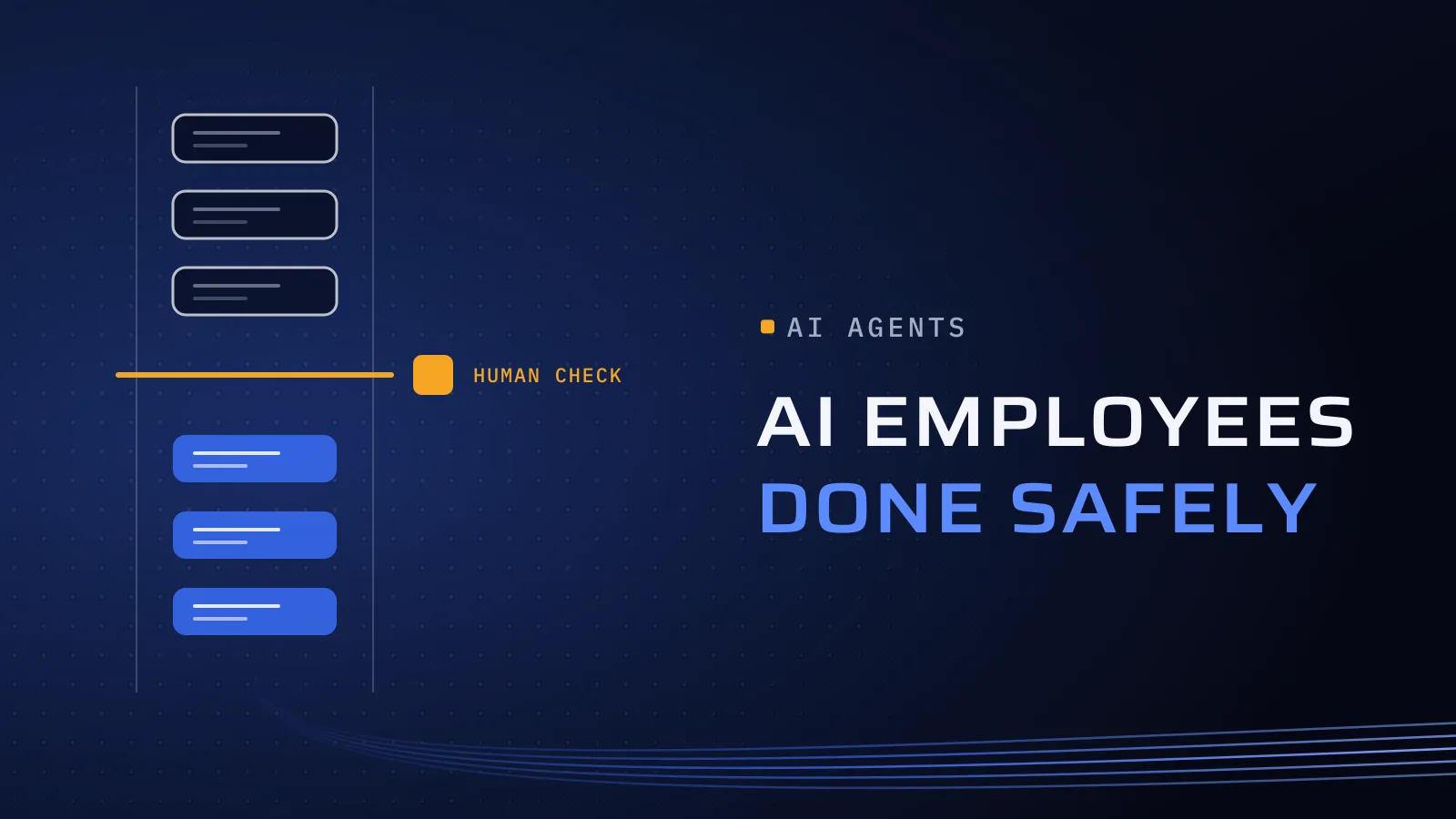
Vendors often sell this as an “AI employee”. The label is useful for one thing: manage the agent like a new hire on probation, with a job description, a manager and limited access. Accountability stays with your organisation.
Every month the work stays manual, skilled people spend hours copying data, backlogs build before month-end, and errors surface late, in finance or with a customer. Your counterparts are already moving. In May 2026 the UAE government launched its first four AI agents, for procurement, tax audit, customer happiness and technical support (Dubai Media Office).
How do you start with an AI agent?
Five steps, all settled before the agent touches live work:
- Pick one measurable process. It should have high volume, clear inputs and output a person can check quickly. Record today’s baseline: time per case, error rate and cost per case.
- Name an owner and set the rules. Write down who approves go-live, who handles escalations and who can switch the agent off. Then decide which cases always go to a person: low confidence, amounts above a limit your finance team sets, new suppliers, complaints. Start strict, and loosen a rule only when the logs show it is safe.
- Give it its own, limited access. The agent works through each system’s API with its own account, never a person’s login. It is read-only where possible and can’t delete records or release payments. Every input, action and approval is logged, so internal audit can replay any case.
- Run it alongside your team. The agent works on real cases without acting, and you compare its results with your team’s. AI usage is billed by volume, so a monthly spending cap with an alert keeps the cost in view.
- Widen only when the numbers hold. Compare time per case (including review time), sampled errors, escalations and cost per case with your baseline. Then add the next process.
Your data stays under your rules. We design for UAE PDPL, Saudi PDPL and PIPEDA, and agree data rules with you before access. That covers which AI tools are used, where data is stored and processed, and which personal data the agent can see.
Which process should be your first AI agent?
A good first agent passes four tests: high volume, clear inputs, output a person can check quickly, and mistakes you can catch before they reach a customer or the ledger. Use this table with your team to shortlist candidates.
| Process | Good first agent? | Who signs off |
|---|---|---|
| Invoice intake and PO matching | Yes | Accounts payable approves mismatches and releases every payment |
| Customer-service triage in Arabic and English | Yes | Staff send the replies; complaints and refunds go to a person |
| Contract intake | Yes, extraction only | Legal checks parties, dates and renewal terms against the source |
| Applications and permits | Yes | A case officer decides; the agent flags missing documents |
| Internal knowledge search | Yes, read-only | Staff open the policy each answer cites |
| Report drafts | Yes | The report owner checks the figures |
| ERP and CRM data entry | Yes, with limits | Finance posts the entries; closed periods stay locked |
| Credit, hiring or benefit decisions | No | People decide; AI can summarise the file |
| A fixed rule, such as a nightly data copy | No | Plain workflow automation is cheaper and more predictable |
Arabic needs its own testing. Before launch, an independent tester builds cases from your real messages, including dialect, mixed Arabic and English, and scanned documents. Our article on QA from day one shows how.
When not to build one. If a fixed rule does the job, automate it. If the data is scattered and out of date, fix it first, because an agent working from poor records gives confident, wrong answers. If the task happens a few times a month, or nobody will own the agent, it rarely repays the effort. And if a ready-made tool already covers most of the job, we’ll tell you.
Find your first AI process
Send us how the process runs today, in a few lines or a spreadsheet. We reply with whether it suits an AI agent, what a first version would cover and which cases should stay with your people.
Find your first AI process → · Not ready for a call? Ask for our company profile and we’ll send it to you.
How Flojics builds AI agents
Our AI and automation work starts with one process. We map it with your team and agree the measures and the cases that stay with people. Then we build the agent and connect it to the ERP, CRM and email you already run. An AI pilot runs as project delivery, ending in a go or no-go decision on the numbers.
Two of our principles matter most here:
- Product thinking. We solve business problems, not only deliver features, so the agent is judged on the time and errors it saves.
- Independent QA. A dedicated testing and quality assurance process: someone other than the builders tests the agent against your edge cases before it acts on live work.
A first agent with us runs the way the five steps above set out. It works on one process, beside your team on real cases before it acts on live work, and a named person signs off what it drafts. It takes on more cases, or a second process, only when time per case, errors, escalations and cost per case beat the baseline from step 1. AI drafts, a person decides.
Ready to pick the first process? Find your first AI process. We ask about your goal, what you use today, your timing and who else should be involved. You leave with clear next steps. The call commits you to nothing, and we sign an NDA first if you want one.
Frequently asked questions
How much does an AI agent cost?
There are two parts. The build covers mapping the process, connecting your systems and testing. The running cost is AI usage, billed by volume, plus your team's review time. Our price is agreed in your proposal once we have seen the process. A monthly spending cap with an alert, and cost per case tracked from the trial run, keep the running cost predictable.
How long does it take to put a first AI agent live?
The first process goes through mapping, build, a trial run alongside your team and a go or no-go decision. The timeline is agreed in your proposal, and the main factor is how easily the agent can reach your systems. Because you start with one process, you see results on real cases before you commit to more.
Who stays in control of decisions?
Your people. You decide which cases always go to a person, and payments, credit, hiring and benefit decisions stay with people. The agent has its own account with limited rights, every action is logged, and a named owner can switch it off, so you can always see and reverse what it did.
What happens to our data?
Before the build, we agree with you which AI tools are used, where your data is stored and processed, and which personal data the agent can see. It reads only what the task needs, through its own logged account. We sign an NDA before any access, and your contract sets who owns the work.
What if the agent doesn't save enough time?
You find out in the trial run, before it acts on live work. If time per case, errors or escalations don't beat your baseline, you stop there with the process mapped and measured, or we automate it with plain rules where that does the job. Nothing goes live until the numbers say it should.
Can an AI agent work with Odoo, a CRM and email?
Yes, through each system's API and its own account. For UAE companies on Odoo, it can create vendor bills in draft for your accounts team to post. In a CRM it logs calls and opens tickets, and in a shared mailbox it reads, labels and drafts replies for a person to send.