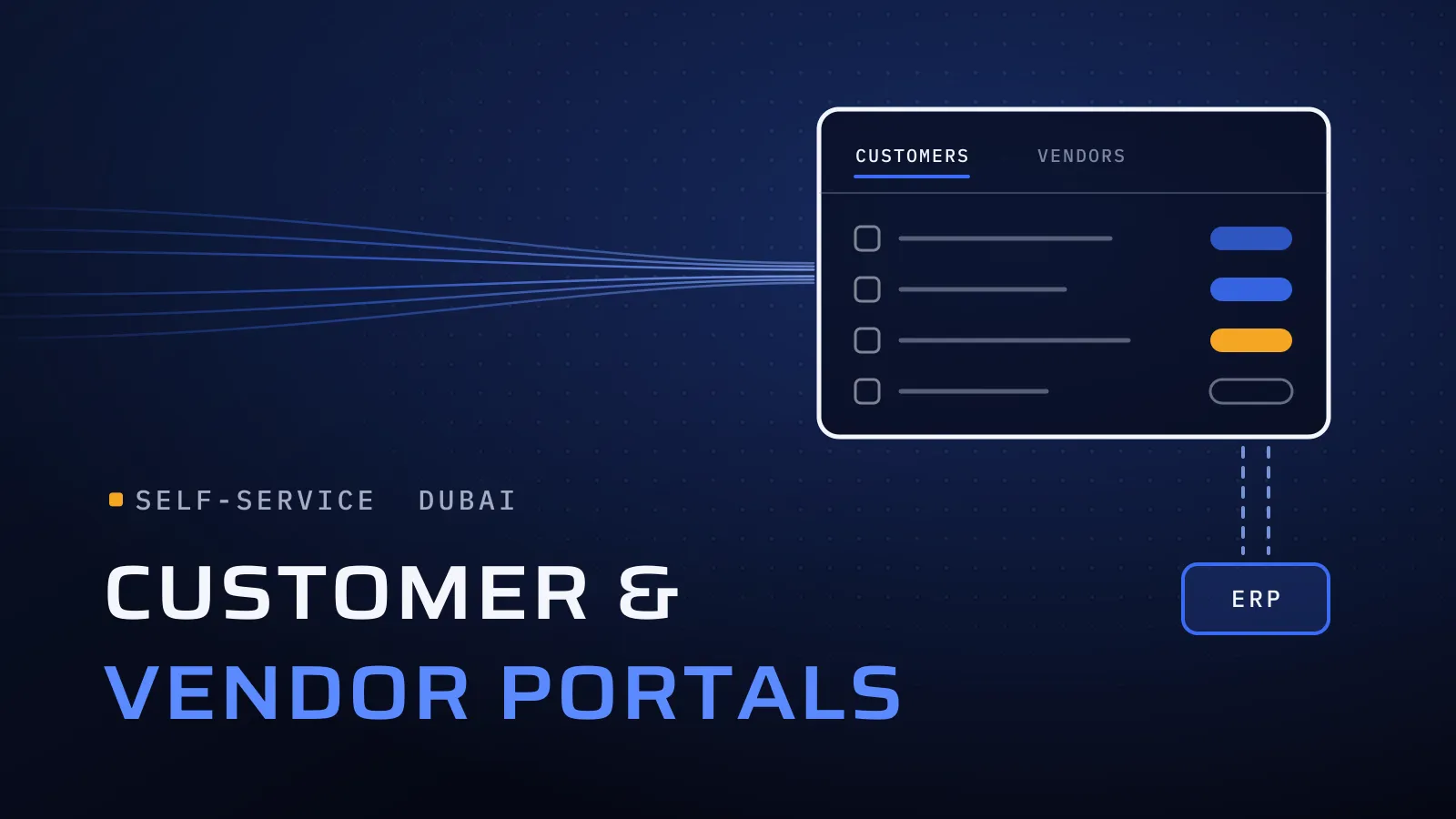
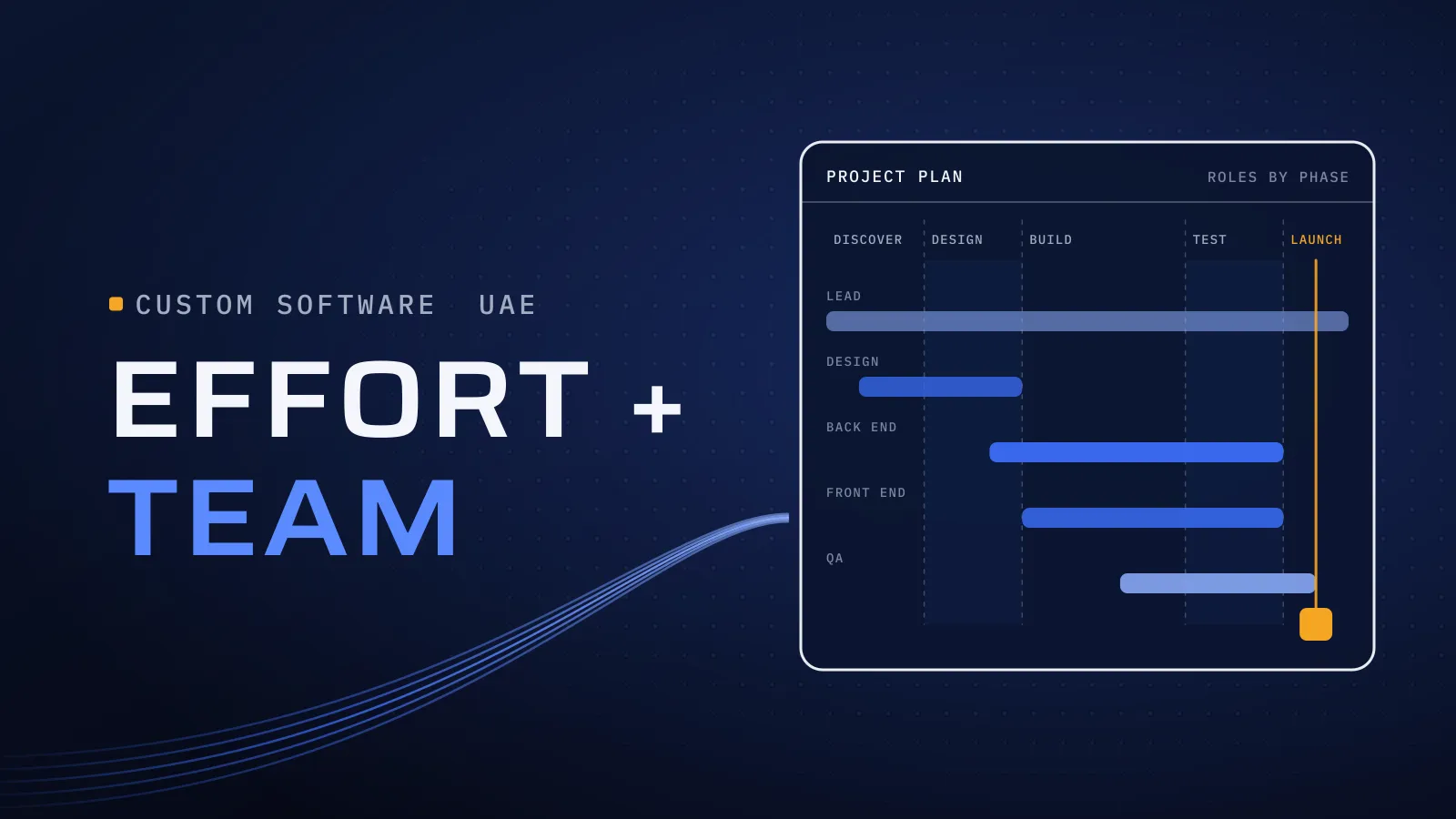
Replace Excel With Custom Software in Dubai: When a Spreadsheet Needs Its Own System
Replace Excel with custom software in Dubai: seven signs a spreadsheet runs your work, what to build first, Odoo vs custom, and what drives the cost.
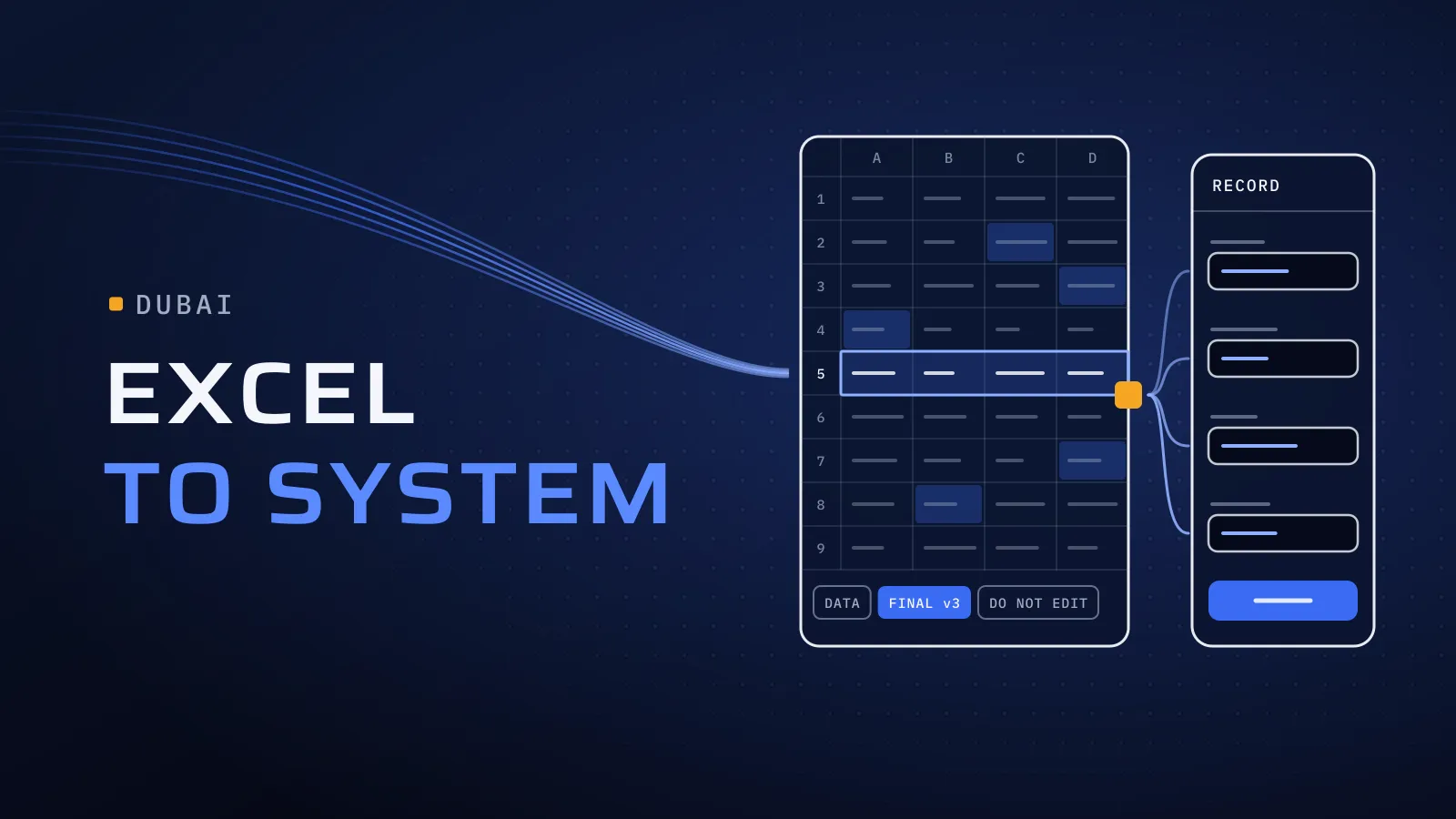
Replace Excel with custom software in Dubai at the right moment, and the work your team runs in a shared spreadsheet becomes faster, checked and visible to everyone who needs it. Leave it too long, and one file ends up running your jobs, approvals or schedule, with one person who understands the formulas and no record of who changed what.
When should you replace Excel with custom software?
Quick answer: Replace it when the file stops holding numbers and starts running work: several people edit it, rows carry a status, decisions are made from it, and a wrong cell costs money. Build one workflow first, move its data across cleanly, and keep Excel for analysis. If the file is your accounts or stock, look at an ERP instead.
Have a file nobody dares to touch? Tell us what it runs →
What another year in the file costs you
The cost sits in hours nobody records: the coordinator who copies orders from email into the sheet, the manager who checks the file before every customer call, the afternoon spent fixing a broken formula. Mistakes cost more: a technician booked twice, a quote sent at last year’s price, a renewal missed because its row was filtered out. Each new hire adds another editor to a file built for two.
Price the file before you price any software. Take the hours a week spent keeping it up to date, multiply by the people who do it, their hourly cost and the weeks you work in a year, then add what the last two mistakes cost you. That is what the spreadsheet costs every year, and it is the number to hold any proposal against.
Seven signs your spreadsheet has become a system
Tick a sign only if it happened this month.
- More than one version exists. A “final v3” sits on someone’s desktop, and nobody is sure which copy is current.
- Rows have a status. A column says new, approved, in progress or done, and colours tell people what to do next. That is a workflow, kept in cells.
- One person understands it. The formulas, macros or hidden tabs belong to one colleague, and the work slows when they are on leave.
- The same data is typed twice. Requests arrive by email or WhatsApp, are copied into the sheet, then copied again into your accounts.
- Approvals happen around it. A manager says yes on WhatsApp, and someone else updates the cell.
- People need it away from a desk. Site staff or drivers phone the office to read a row, or customers ask for a status only the file holds.
- Nobody can say who changed a number. A price or a date changed, and the file can’t tell you who, when or why.
How to read it: one or two ticks mean the file needs tidying: lock the formula cells, add a form for new rows and keep one shared copy. Three or more, including sign 2 or 5, mean the file is running a process, and that process deserves software built around it.
What to build first: one workflow, not the whole file
Most business spreadsheets mix three things: a list, such as customers or assets; a workflow, such as a job moving from request to invoice; and a report, such as totals by month. The workflow is where the hours and the mistakes are, so it goes first.
- Name the workflow and its owner. Pick the one process the file runs, from the first step to the last, and the manager who answers for it.
- Write down the hidden rules. Every formula, colour and macro is a business rule: “quotes above a set amount need the general manager”, “a technician can’t take two jobs in one slot”. Collect them with the person who built the file. They become the system’s rules, and the tests that prove each one works.
- Clean the data before it moves. One ID per record, dates in one format, duplicates merged. Import a sample, let the people who use the file check it, then move the rest.
- Build around how the work moves. Forms instead of free cells, a status everyone can see, roles for who edits and who approves, a history on every record, and Arabic and English screens wherever your staff or customers need them.
- Switch on one date, and keep Excel for analysis. Everyone moves together and the old file becomes read-only. An export to Excel stays for the analysis and one-off models spreadsheets do well.
Excel, low-code, Odoo or custom software?
Not every file needs custom software, and the first column is the cheapest answer when it fits.
| Tidy the spreadsheet | A low-code app | Odoo, configured | Custom software | |
|---|---|---|---|---|
| Fits when | One or two ticks, a few editors, small stakes | A simple form-and-list workflow inside one team | The file is really your accounts, invoicing, purchasing or stock | The workflow is how you serve customers, or needs rules, roles and links no product covers |
| Trade-off | Still one file and one formula owner | Per-user fees, and limits as rules and integrations grow | Your team adapts some habits to the way Odoo works | More work up front; in return it follows your process and you can change any screen |
| Arabic and English | As your team types it | Test the right-to-left screens before you commit | Built in | Designed in from the first screen |
| Who owns it | You | The platform hosts it; check the data export | You license Odoo and keep your data | Your company owns the code |
| Our advice | Do this first if you ticked one or two signs | Fine for an internal form; test it with your real rules | We implement Odoo in the UAE; check the ERP signs first | Build one workflow first, connected to what you already run |
If most of your ticks were about invoices, stock or month-end, the question is bigger than one file: read the signs a UAE business needs an ERP first. If one process is yours alone, custom software vs off-the-shelf covers the wider choice.
A custom workflow and an ERP also work together. The workflow app runs the jobs, approvals or schedule, and sends the finished record to Odoo or your accounting system, so each record lives in one place and nobody types it twice.
Send us the spreadsheet, or a screenshot with the figures hidden. Tell us who edits it and what goes wrong. We reply with the workflow we would build first, what can stay in Excel and whether a product would do the job instead. Talk to us about your spreadsheet →
Not ready for a call? Ask for our company profile and we’ll send it to you.
What drives the cost of replacing a spreadsheet
We don’t publish a price list. Your price is agreed in your proposal, and it follows six drivers:
- The rules hidden in the file. Ten formulas make a short list; a workbook of macros and lookups across tabs makes a long one, and each rule is built and tested.
- The roles that use it. One team entering and one manager approving is simpler than staff, managers, customers and suppliers each seeing different rows.
- The state of the data. Clean rows import quickly. Years of merged cells, free-text dates and duplicates need cleaning first.
- What it connects to. Email, your accounting system, Odoo or a customer portal each add a link to build and test.
- Where people use it. A web app for the office is one build; staff on site with patchy signal need a mobile app that works offline.
- Languages. Arabic and English screens, notifications and reports, with right-to-left layouts tested, not translated at the end.
Start with one workflow, and the price stays tied to one set of rules. Later phases add the next workflow once the first is in daily use.
A tool we built for our own work: FloPlan
FloPlan is our own planning and delivery software. It plans projects, people and time in one place, so teams can see who is working on what and when. In many companies that question lives in a shared resourcing sheet, with a tab per month and a colour per person. Ours did, too. FloPlan replaced our own planning and resourcing spreadsheets, and now answers that question from a system instead of a file.
We plan every client project in it. Each project we deliver gets CTO oversight on the architecture, independent QA before each release, and a dated plan in FloPlan. Want to see a planning sheet that became software? Ask for a FloPlan demo.
Two of the ways we work fit a spreadsheet replacement. Product thinking: each feature has to answer a business problem, so the first release covers the workflow, not every tab. Transparent delivery: clear milestones, reporting and communication, so you see working screens while the old file still runs. Our page on custom software development in Dubai covers the internal systems, portals and integrations we build.
Bring the file your team can’t work without
Since 2014 we have worked with more than 100 clients across the UAE, Saudi Arabia, Qatar, Kuwait, the USA and Canada, from our headquarters at Dubai Digital Park in Dubai Silicon Oasis. Tell us what the spreadsheet runs and who keeps it alive. If tidying the file or a ready-made product is enough, we will say so.
Talk to us about your spreadsheet → We ask about your goal, what you use today, your timing and who else should be involved. You leave with clear next steps. The call commits you to nothing, and we sign an NDA first if you want one.
Frequently asked questions
How much does it cost to replace a spreadsheet with custom software?
We don't publish a price list, because the cost follows the file: the rules hidden in its formulas, how many roles use it, how clean the data is, what it connects to and whether people need it on a phone. Your price is agreed in your proposal, and starting with one workflow keeps it tied to one set of rules.
How long does the first release take?
The dates are agreed in your proposal, once we have seen the file and the people who use it. What keeps the first release short is scope: one workflow, its data and its approvals. Your team tries working screens during the build, so the switch-over day brings fewer surprises.
What happens to the data in our spreadsheets?
It moves across once it is clean: one ID per record, dates in one format and duplicates merged. We import a sample first, the people who use the file check it, then the rest follows. The old file stays read-only, so nothing is lost and anyone can check a past entry.
Can we still use Excel after the switch?
Yes, for what Excel does well. The new system holds the records and runs the workflow, and an export gives your team the data in Excel for analysis, one-off models and pivot tables. What stops is typing the same data into the file by hand.
What if the team goes back to the spreadsheet?
That usually means the old file was never switched off, or the first release left out a step people need. Everyone moves on one date, the old file becomes read-only, and the first weeks of support go on the gaps people report. Once the system is quicker than the file, people stop reaching for it.