Custom Software vs Off-the-Shelf: When Building Your Own Pays Off for a UAE Business
Custom software vs off-the-shelf for UAE businesses: when to buy first, signs you need to build, the hybrid route with Odoo, and what drives total cost.
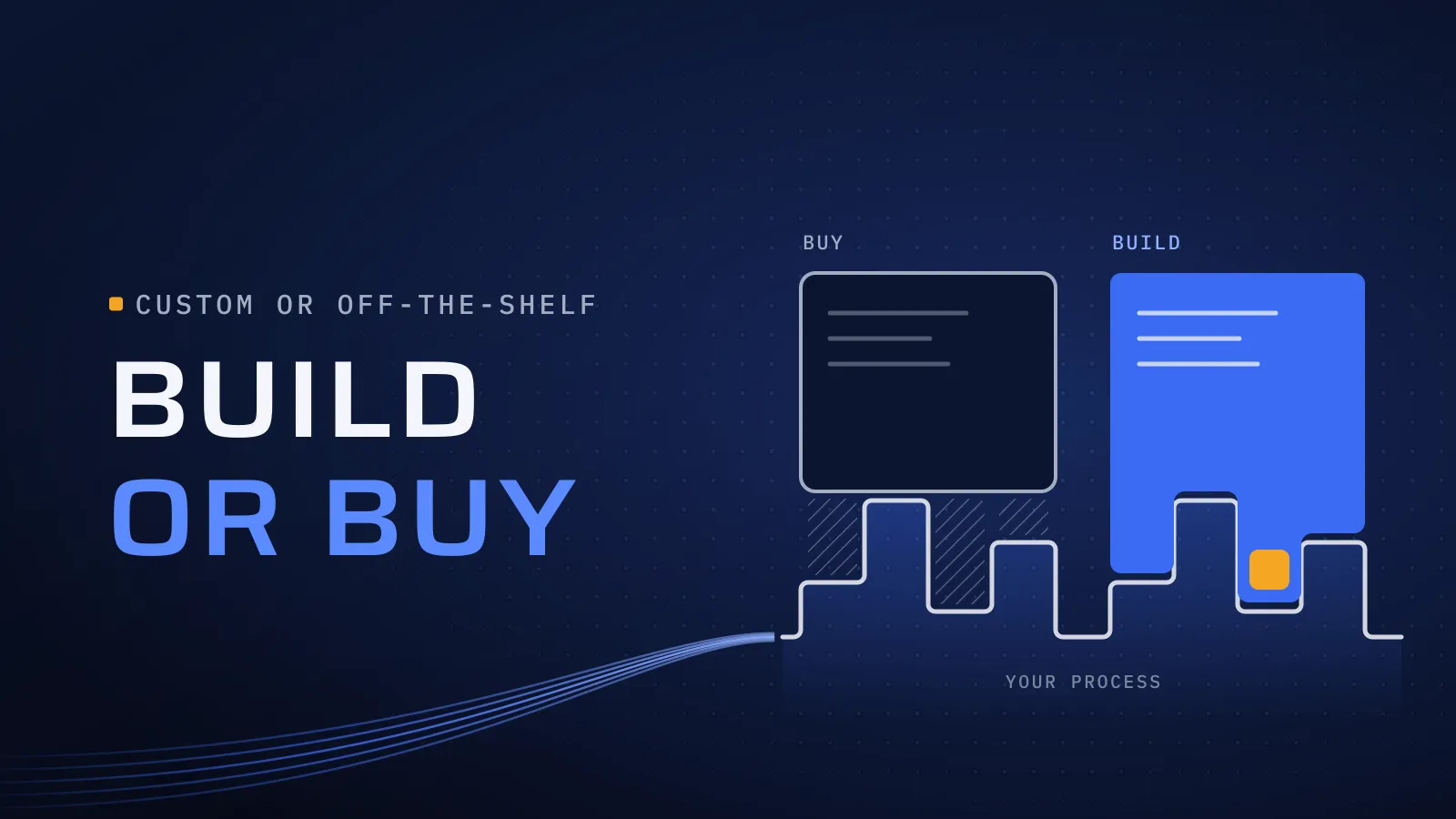
Custom software vs off-the-shelf is a decision your operations team lives with every working day. Buy the right product and you are running soon, for a known monthly fee; buy the wrong one and your team works around it in spreadsheets, pays per user for software that doesn’t fit, and the process that wins you customers stays manual.
Custom software vs off-the-shelf: which should you choose?
Quick answer: Buy off-the-shelf when the process is the same as everyone else’s: accounting, payroll, a standard CRM, a helpdesk. If a ready-made product covers most of how you work, use it. Build when the process is how you win or keep customers, or when ready-made tools leave your team in spreadsheets. Often the answer is both: buy the standard parts, build the rest.
Talk to us about your next system →
What the wrong choice costs you
The cost rarely shows on an invoice. It shows as an export to Excel every Monday, a second system nobody keeps up to date, a customer emailed for a status the software can’t show, and per-user fees that rise with every hire. Building too early costs as well: months of budget spent on a process a subscription already handles well.
The honest case for buying first
Much of what a business runs on is standard, and ready-made products do it well:
- Standard processes: accounting and VAT, payroll and HR, email and documents, a standard sales pipeline, helpdesk tickets.
- Speed: the product exists, so you configure it rather than build it.
- Someone else’s upkeep: the vendor ships the updates, security fixes and new features.
- A known cost: a monthly or yearly fee you can budget.
- A clearer spec: using a product for real shows which parts of your process are standard and which are yours. That list is the brief for anything you build later.
Our rule: if a ready-made product covers most of how you work, buy it, even though it means we build less. Before you sign, check its Arabic and English where your users need it, its API and its full data export.
Signs you need to build
Ask one question of each process: if this system disappeared tomorrow, would you lose revenue, lose efficiency, or stop operating? “Lose efficiency” usually points to buying. “Lose revenue” or “stop operating”, on a process that is yours alone, is where owning the software pays. Six signs point the same way:
- The process is why customers choose you. Your quoting, booking, onboarding or service model is your edge, and software shared with your competitors makes you work like them.
- Your team works around the tool. Spreadsheets, copy and paste between systems, WhatsApp for status updates. The gap is in the workflow, not in training.
- Customers or vendors need to see it. Status, documents and approvals they can check themselves, tied to your records. Our guide to customer and vendor portals in Dubai covers what a first release includes.
- People work away from a desk. Technicians, drivers and inspectors need an app built around their day. See when a custom field service app pays off.
- Per-user fees outgrow the value. Hundreds of occasional users, such as vendors, drivers or branch staff, each priced as a full seat.
- The integration you need isn’t on the vendor’s roadmap. Your ERP, a payment provider, a government system or a partner’s API, connected in the way your process needs.
What this means for you: list your processes and mark each one standard or yours. Buy for the standard ones. For each process that is yours, check whether a product fits most of how you work: if it does, buy it and integrate; if it doesn’t, that process is your first build. Then price every option over the years you will run it, not on the first invoice.
The hybrid route: buy the standard, build the difference
For most UAE companies the answer is neither all custom nor all ready-made:
- Buy and integrate. The product stays the record for its data, and a custom portal or app reads and writes through its API. Your team keeps the product; your customers, vendors or field staff get software built for them.
- Odoo plus custom modules. We implement Odoo for UAE companies. Odoo runs accounts, VAT, stock and HR, and a custom module covers the one process its standard modules don’t, so the rest of the system stays standard and easy to upgrade. See Odoo implementation in the UAE.
Two rules keep a hybrid simple. One set of records: each piece of data has one home, so nothing is typed twice. One place for the link: the integration sits in one part of the custom code, so if you change products later, you rebuild the link, not the app. Before scoping, check what your plan’s API allows, because API access often depends on the plan tier.
What drives total cost of ownership
The first invoice tells you little. Take this table to whoever owns the budget and fill it in for each option over the same number of years.
| Cost driver | Off-the-shelf (SaaS) | Custom build | Hybrid |
|---|---|---|---|
| Up front | Setup, data migration and training | Discovery, design and the first release | Product setup, plus the custom part and its integration |
| Every year | Per-user or per-module fees that grow with your team | Hosting, support and changes | Product fees, plus support for the custom part |
| Add-ons | Paid modules, connectors, and higher plans for API access | New features built when you need them | Mostly on the product side |
| Workarounds | Spreadsheets and manual steps where it doesn’t fit | Few, if the first release covers the process end to end | Few, where the custom part closes the gap |
| Changing course | Export your data and rebuild your workflows elsewhere | Another team can take over the code | Swap the product and rebuild one integration |
| Check before you sign | Price at your year-three user count, API limits, a full export | Who maintains it, documentation and tests | API limits on your plan, and which system holds each record |
Who owns what
| Software | Off-the-shelf | Custom |
|---|---|---|
| The software | The vendor; you rent access | Your company |
| Your data | Yours, as far as the export lets you take it | Yours, in a database you control |
| The roadmap | The vendor’s, shared with every customer | Yours |
| Price changes | Set by the vendor at renewal | Hosting and support terms you agree |
Weighing a product against a build? Send us the process, the tools you use today and what your team works around. We’ll say whether to buy, build or combine them, and what a first release would cover. If a product already fits, we’ll tell you. Talk to us about your next system →
Sharing this with your IT or finance lead first? Ask for our company profile and we’ll send it to you.
Bring us the process, not the solution
Since 2014 we have worked with more than 100 clients across the UAE, Saudi Arabia, Qatar, Kuwait, the USA and Canada. Our headquarters is at Dubai Digital Park in Dubai Silicon Oasis. iBankMarkets is a forex broker whose MetaTrader 4 integration we built. Talk to the team that built it: book a meeting.
Two of the ways we work decide whether a build pays off. Custom development: built around the business’s requirements, so only the part that is yours gets built. Scalable architecture: built for long-term growth, so the second release adds to the first instead of replacing it. Our page on custom software development in Dubai covers the portals, internal systems and integrations we build.
Tell us which process hurts and what you use today. Whether the answer is a product, a build or both, you get a straight recommendation, and any price is agreed in your proposal.
Talk to us about your next system → We ask about your goal, what you use today, your timing and who else should be involved. You leave with clear next steps. We reply by email first and set up a call only if you want one. Asking commits you to nothing, and we sign an NDA first if you ask.
Frequently asked questions
Is custom software always more expensive than off-the-shelf?
To build, yes; to own, not always. A subscription charges for every user, every year, plus add-ons and the manual work your team does around it. Custom software costs more up front, then hosting, support and changes. Compare both over the years you expect to use them, at the number of users you expect to reach.
Can we start with off-the-shelf and build later?
Yes, and it is often the right order. Buy, use the product for real, and note where your team works around it: that list becomes the brief for anything you build. Choose a product with an API and a full data export, so your records can connect or move when the time comes.
What is the hybrid route?
Keep a ready-made product for the standard work and build only the part that sets you apart, connected through the product's API. For UAE companies that is often Odoo for accounts, stock and HR, with a custom portal or app built on it, or a custom Odoo module for the one process the standard modules don't cover.
How long does a custom build take?
The release plan, with a date for the first release, is agreed in your proposal before development starts. The quickest route is a first release that covers one process from start to finish. Work then arrives in increments, so your team uses working software early instead of waiting for the end.
Who owns the code, and who owns our data in a SaaS product?
With custom software, your company owns the code: it passes to you at the end of the project, once it is completed and paid. With a SaaS product, you rent the software and keep your data, so check the export terms before you sign.