Legacy System Modernization in the UAE: Refactor, Rebuild or Replace Your Old In-House System
Legacy system modernization in the UAE: when old PHP, .NET, Access or VB6 systems are due, refactor vs rebuild vs replace, and a phased switch-over.
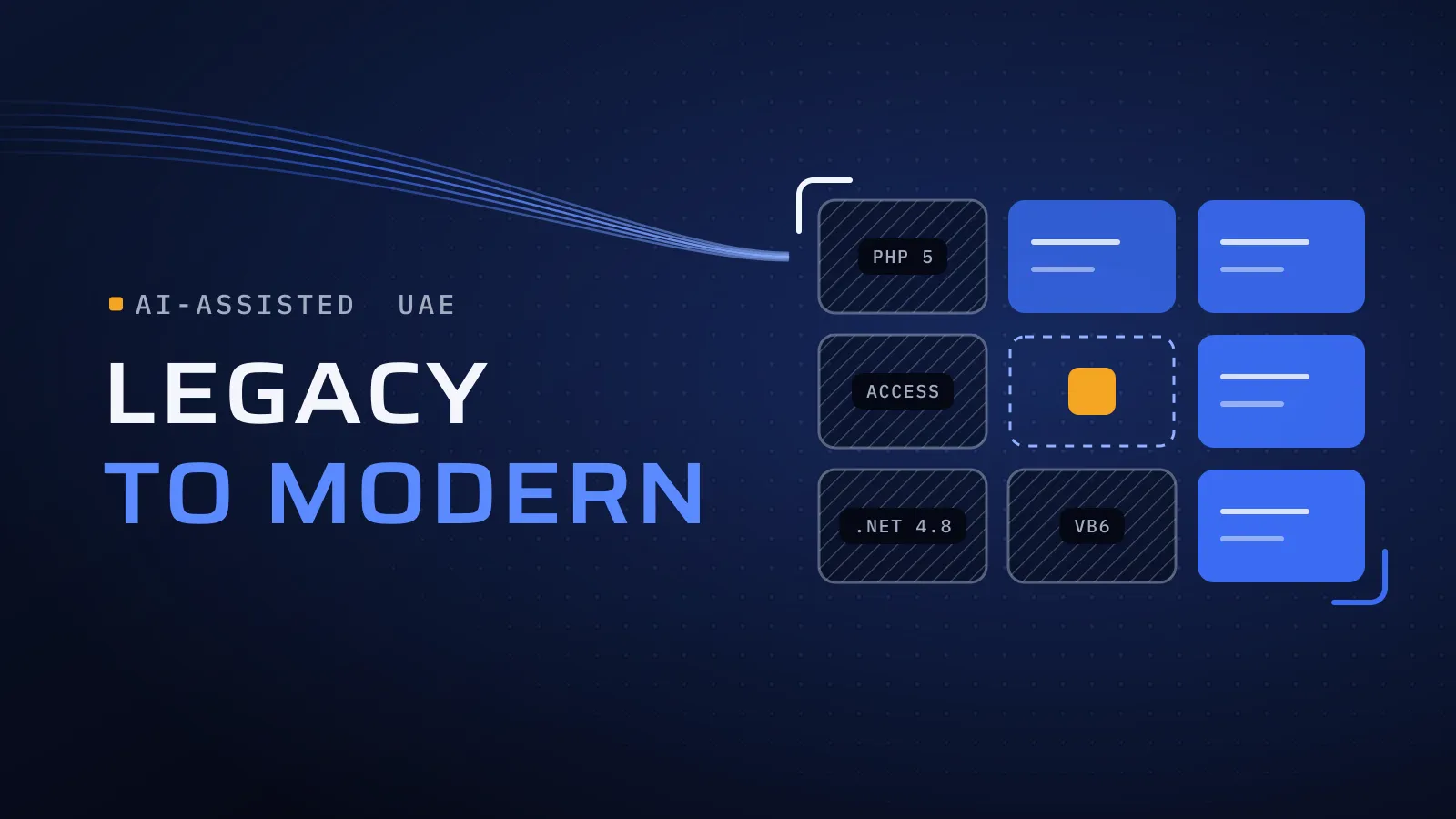
Legacy system modernization in the UAE usually starts with an uncomfortable fact: the system that runs your orders, stock or billing is understood by one person and sits on a server nobody wants to touch. Modernize it on your own schedule and you keep the business rules it holds; wait until it stops or that person leaves, and you rebuild in a hurry, from memory.
Legacy system modernization in the UAE: refactor, rebuild or replace?
Quick answer: Refactor when the code is sound and only the platform is old: upgrade it in place. Rebuild when the business rules are yours but the code can’t carry them: new code, same rules, your data moved. Replace when the process is standard, like accounting or stock, and a product covers it. Switch over in phases, not all at once.
Running on a system only one person understands? Plan your modernization with us →
What waiting costs you
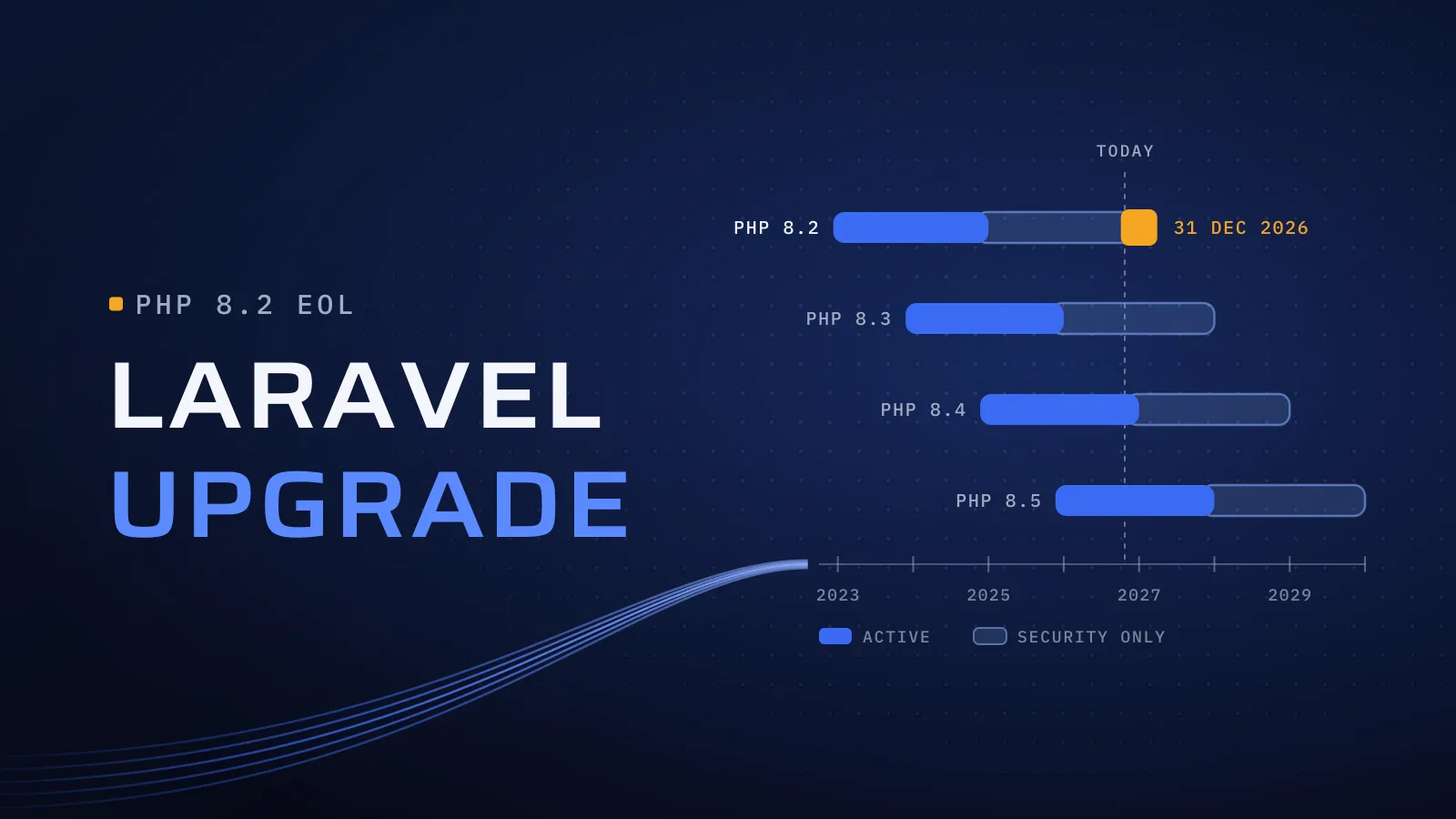
An old system rarely stops all at once. The cost builds quietly. The one developer who knows it becomes the only way in, every change takes longer than the last, and the work it can’t do moves into spreadsheets that will need migrating later. Then come the outside pressures. A system with no API can’t feed a customer portal, an AI agent or, if it issues your invoices, the structured data UAE e-invoicing asks for from 2027. And the platform underneath keeps ageing: support for .NET 8 and .NET 9 ends on 10 November 2026, and PHP 8.2 stops receiving security fixes on 31 December 2026.
Four older platforms, and what each usually needs
Old PHP
Custom PHP without a framework, or an old Laravel version. If the code is organised and already on Laravel, an upgrade is usually the cheaper route; our guide to Laravel upgrades in the UAE covers the versions and the order of work. PHP written page by page, with database queries mixed into the screens, is usually rebuilt.
.NET Framework or .NET 8 to .NET 10
Microsoft ends support for .NET 8 and .NET 9 on 10 November 2026 and recommends .NET 10, a long-term support release supported through November 2028. Apps on .NET 8 usually move up with modest changes. .NET Framework 4.8 is different: Microsoft still supports it as a component of Windows, so the reasons to move are Windows-only hosting, performance and hiring, not a deadline. Moving from .NET Framework is closer to a partial rebuild, especially for old Web Forms screens, which modern .NET doesn’t run.
MS Access
A database file on a shared drive, with forms and VBA code behind it. It suits a few users in one office and strains beyond that: no web or phone access, trouble when several people save at once, and logic that one person maintains. The usual answer is a rebuild as a web app, with the Access tables as the first data to move.
VB6
Desktop applications built with tools Microsoft stopped supporting years ago. Many still run on Windows, but each new Windows version, and each developer who leaves, makes the next change harder. There is no in-place upgrade, so the choice is between rebuilding and replacing.
The decision table: refactor, rebuild or replace
Fill this in with your IT lead and the people who use the system every day, one module at a time.
| Refactor (upgrade in place) | Rebuild | Replace with a product | |
|---|---|---|---|
| Fits when | The code is organised and safe to change; only the platform is old | The business rules are yours and still right, but the code or platform can’t carry them | The process is standard: accounting, VAT, payroll, stock |
| What you keep | The code, the database and the screens your team knows | The business rules, the data and the parts of the workflow that work | Your data, moved into the product |
| What changes | Framework and language versions, packages, the server | New code and screens, usually a web app with an API | Your process adapts to the product, or a small custom module fills the gap |
| Typical platforms | Laravel, .NET 8 | Page-by-page PHP, .NET Framework Web Forms, MS Access, VB6 | Any, when the process isn’t yours alone |
| Check first | Test coverage and abandoned packages | Which rules live only in the code, and who can confirm them | Whether the product covers your process, in Arabic and English |
Whichever column a module lands in, list the features nobody uses any more. Retiring them is the cheapest modernization there is. For standard finance and operations, replacing often means Odoo, and our Odoo implementation in the UAE covers moving your records into it.
What this means for you: you don’t have to pick one column for the whole system. The invoicing might move to Odoo, the dispatch screens be rebuilt and the old reports retired. Deciding module by module keeps each step small enough to test and to reverse.
How AI helps in a rebuild
Much of the time in a modernization goes into understanding old code nobody documented. AI tools now draft much of that work, and our engineers review everything they produce:
- Reading the old code. AI drafts a plain description of what each screen, report and stored procedure does, including rules nobody wrote down. Your team confirms each one; a rule nobody can confirm is flagged, not guessed.
- Tests that pin today’s behaviour. Before anything changes, tests record what the old system outputs for real cases: an invoice total, a discount, a VAT line. The new system has to match them.
- Mapping the data. AI drafts the map from old tables and fields to the new data model and flags fields whose meaning is unclear.
- Documentation. The new system gets the documentation the old one never had, so it doesn’t become the next legacy system.
Only the tools you agree to see your code, and production personal data stays out of them. Our article on AI-assisted software development explains how our engineers use AI on every build.
How a phased switch-over works
A single big switch puts every module, every user and all your data on one weekend. A phased switch-over moves one part at a time:
- Map what the system does and what touches it. Users, screens, reports, integrations, scheduled jobs and where the data lives.
- Pin today’s behaviour with the tests and saved outputs described above.
- Choose a column for each module from the decision table, including the features to retire.
- Move the first module and its data, then run old and new side by side until the figures match.
- Switch module by module, with a way back at each step. Retire the old system once the last module has moved and its data is archived where you can still read it.
Weighing a rebuild against a replacement? Tell us what the system does, what it runs on and who still knows it. We reply with the column we would put each part in and how the switch-over could be phased. Plan your modernization with us →
Not ready for a call? Ask for our company profile and we’ll send it to you.
What we bring to a modernization
We have modernized or replaced legacy systems for clients, and upgraded Laravel versions. Those clients are under NDA, so we don’t name them here. Our client work spans Laravel and PHP, .NET, Java, Go, Python and Flutter, so the new system can be built on a platform your team, or the next one, can hire for.
Two of the ways we work matter most here. CTO oversight: every project is supervised by senior technical leadership, so the refactor, rebuild or replace call is made module by module by someone senior, not by habit. Independent QA: a dedicated testing and quality assurance process, so the side-by-side runs are checked by someone who didn’t write the new code. Modernization is part of our custom software development in Dubai.
Bring us the system, not a specification
Since 2014 we have built software for more than 100 clients across the UAE, Saudi Arabia, Qatar, Kuwait, the USA and Canada, from our headquarters at Dubai Digital Park in Dubai Silicon Oasis. Tell us what the old system does and what it runs on; a few screenshots and a list of who uses it are enough to start. Your price is agreed in your proposal, and it follows the number of modules, the data to move, the integrations and how much of the old logic is documented.
Plan your modernization with us → We ask about your goal, what you use today, your timing and who else should be involved. You leave with clear next steps. The call commits you to nothing, and we sign an NDA first if you want one.
Frequently asked questions
How long does a legacy system modernization take?
It follows the number of modules, the data to move, the integrations and how much of the old logic anyone can still confirm. A phased plan puts the first module live long before the last, so your team gets value early instead of waiting for one big switch. Your timeline is agreed in your proposal once the system is mapped.
Can we keep using the old system while the new one is built?
Yes, and you should. The old system runs the business until each module's replacement has run alongside it and the figures match. Only then does that module switch. The old system is retired at the end, with its data archived where you can still read it.
What happens to our old data?
It is mapped field by field to the new system, cleaned where needed and moved module by module, with checks that totals, balances and record counts match. History you rarely need can stay in a read-only archive rather than being migrated, which keeps the move smaller.
Should we rebuild or move to Odoo?
If the process is standard, such as accounting, VAT, payroll or stock, Odoo usually covers it, and we implement it in the UAE. If the process is how you win customers, rebuild it. Many companies do both: Odoo for the standard parts and a custom app for the rest, connected through Odoo's API.
Does AI see our code and data?
Only the tools you agree to before work starts see your code. Production personal data and secrets stay out of them. Every line an AI tool drafts is reviewed by a named engineer and tested before it ships, so nothing goes live that nobody understands.
Who owns the new system's code?
You do. The code and IP pass to you at the end of the project, once it is completed and paid, together with the documentation the old system never had.