.NET Framework Migration to .NET 10 in the UAE: The Dates, What Breaks and a Staged Plan
.NET Framework migration to .NET 10 in the UAE: support dates that matter, what breaks, a staged plan that keeps the old app running, and where AI helps.
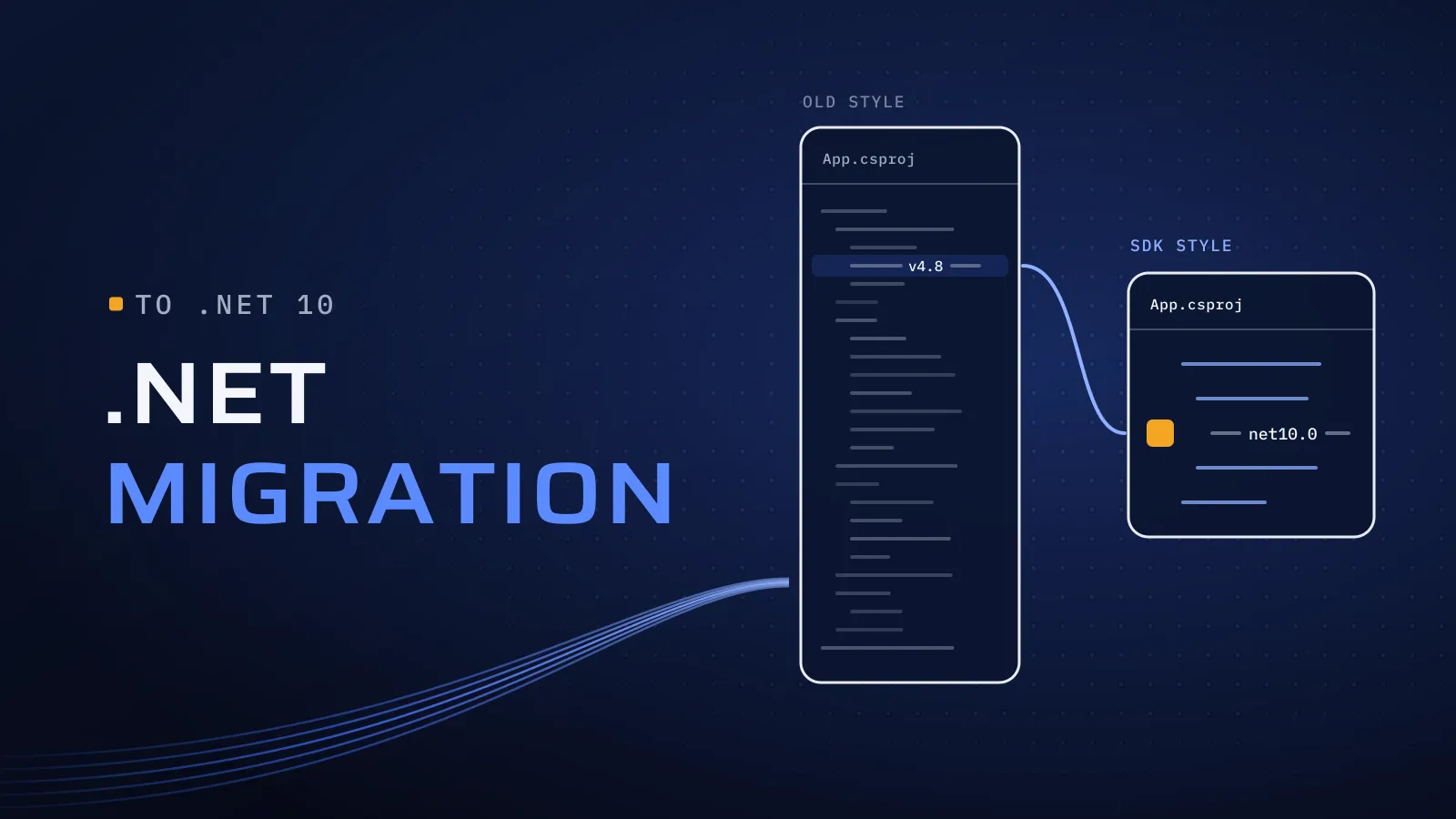
If your company runs on an ASP.NET site or a Windows app built on .NET Framework 4.x, two dates now shape your .NET Framework migration. .NET 8 and .NET 9 lose support on 10 November 2026, so the target is .NET 10. And if the app runs on Windows Server 2016, the server’s support ends on 12 January 2027. Move on your own schedule and you keep the business rules the app holds; wait, and the move happens under an audit finding or a failing server.
When should you plan a .NET Framework migration to .NET 10?
Quick answer: Now, if you run .NET 8 or 9: support ends on 10 November 2026, and .NET 10 is supported until 14 November 2028. .NET Framework 4.8 has no end date of its own, but it is supported only as part of a supported Windows version. Migrate in stages: inventory, tests, shared code, then screens.
Running a .NET app on an older version? Plan your .NET migration with us →
What waiting costs you
An unsupported version doesn’t stop on the day support ends. The security fixes stop, and unsupported versions start showing up in security reviews and in your customers’ vendor questionnaires. On .NET Framework the fixes keep coming but the new features don’t: Microsoft’s new work, from performance to the ASP.NET Core web stack, goes into modern .NET. And developers who know Web Forms and WCF get harder to hire every year, while each year of new code written the old way adds to what has to move later.
Which version are you on, and what should you do?
Find your row. Dates are from Microsoft’s .NET support policy and .NET Framework support policy, checked on 27 October 2026.
| You are on | Support | What to do | Size of the job |
|---|---|---|---|
| .NET 8 or .NET 9 | Ends 10 November 2026 | Move to .NET 10 now | Usually small: a target change, package updates and a full test run |
| .NET 6, .NET 7 or .NET Core | Already ended | Move to .NET 10, checking each version’s breaking changes | Moderate |
| .NET Framework 4.8 or 4.8.1 on a supported Windows version | Supported with Windows | Plan the migration on your dates, starting with the code that moves most easily | Large: a staged migration |
| .NET Framework on Windows Server 2016 | The server leaves extended support on 12 January 2027, and the Framework’s support goes with it | Move the app to a supported Windows Server first, then migrate the code in stages | A server move now, a migration after |
| The .NET Framework 4.6.2 runtime | Ends 12 January 2027 | Install 4.8.1 on the server, a runtime update rather than a migration | Small |
| .NET Framework 4.6.1 or older | Ended in April 2022 or earlier | Install 4.8.1, test, then plan the migration | Small, then large |
How to read it: the .NET Framework rows are about the server as much as the code. Microsoft treats .NET Framework 4.5.2 and later as a component of Windows, so a 4.x app’s support date is its server’s.
What breaks when you leave .NET Framework
Most business logic runs on .NET 10 unchanged. The time goes into the parts built on technology that wasn’t carried over. Go through this table with your IT lead and the person who knows the app inside out.
| Part of your app | On .NET 10 | What the work is |
|---|---|---|
| Business logic and class libraries | Runs, usually unchanged | Retarget, update packages, run the tests |
| ASP.NET MVC and Web API | Runs on ASP.NET Core after changes | Controllers move; configuration, filters and routing change |
| Web Forms (.aspx) screens | Not available | Rebuilt as Razor Pages, MVC or Blazor; usually the largest part |
| WCF services you host | Not built in | The CoreWCF packages, or a move to REST or gRPC |
| WCF services you call | Supported through client packages | Regenerate the client and test each call |
| Windows Forms and WPF desktop apps | Run, on Windows only | Replace removed controls and old third-party components |
| Windows services and scheduled jobs | Run as worker services | Rehost them and check every schedule |
| Login: Forms Authentication and Membership | Not available | ASP.NET Core Identity, with a plan for existing passwords so nobody is locked out on day one |
| App domains, Remoting, COM+, Workflow Foundation | Not available | Redesign that part; Microsoft lists an alternative for each |
| Reports and PDF libraries | Depends on the vendor | Check each one first; replace it, or keep it on a small .NET Framework service for a while |
| Arabic sorting, search, dates and number formats | Can differ: on Windows, modern .NET uses a different globalization library | Compare Arabic reports, invoice PDFs and search results on old and new, side by side |
What this means for you: count the Web Forms screens and the reports first. They decide the size of the job more than anything else in the app. If most of the logic lives inside Web Forms pages, the “migration” is closer to a rebuild, and our guide to legacy system modernization in the UAE compares refactoring, rebuilding and replacing.
How a staged migration runs
A big-bang rewrite of a business system puts every screen and every user on one weekend. A staged migration keeps the old app running and moves it in slices:
- Inventory and pin today’s behaviour. List projects, NuGet packages, screens, reports, services, scheduled jobs and the servers they run on. Save what the app outputs for real cases, such as an invoice total, a VAT line and an Arabic report, so the new code has something to match.
- Move shared code first. Class libraries holding business logic and data access are built for both platforms at once, so the old app and the new one run the same code during the move.
- Put a new front door in place. An ASP.NET Core app with a reverse proxy, such as Microsoft’s YARP, sends each request to the new app or the old one. Users see one system, and Microsoft’s System.Web adapters let both sides share login and session data while screens move.
- Move one business area at a time. Start with the area that changes most often or hurts most. Run old and new side by side until the outputs match, then switch, with a way back.
- Retire the old app and its server. When the last screen has moved, switch off the .NET Framework app and the Windows Server it ran on.
Not sure how big your migration is? Send us your .NET and Windows Server versions and a rough count of screens, services and reports. We reply with the rows of the table above that apply to you, the order we would move them in and how the release could be staged. Plan your .NET migration with us →
Not ready for a call? Ask for our company profile and we’ll send it to you.
Where AI helps, and where it stops
Much of a migration’s time goes into reading code nobody has documented. AI tools now draft a large share of that work, and our engineers review everything they produce:
- Explaining old code. A plain description of what each Web Forms page, stored procedure and WCF method does, including rules nobody wrote down. Someone who knows the business confirms each rule; a rule nobody can confirm is flagged, not guessed.
- Tests before changes. Tests that record what the old code returns for real inputs, so the new code is checked against them rather than against memory.
- Mechanical rewrites. Configuration moved to the new format, old API calls swapped, a first Razor version of a Web Forms page. An engineer reviews every line.
- Finding what breaks. A first pass for removed APIs and culture-sensitive string handling, checked with Microsoft’s own code analysers.
Where it stops: AI drafts, engineers own. Only the tools you agree to see your code, production personal data stays out of them, and every change is reviewed and tested before release. Our article on AI-assisted software development explains how our engineers set those limits.
Who should do the work?
- Your own .NET team, if they know the app. An outside review of the inventory and the staging plan is a sensible check before the first release.
- A dedicated .NET developer who joins your team for the migration and stays for the upkeep. We source candidates through staff augmentation in the UAE, and you interview them and choose who joins.
- Project delivery, with a fixed scope for each stage, when you want the migration run end to end.
What we bring to a .NET migration
We have modernized legacy systems for clients; those projects are under NDA, so we don’t name them here. .NET is one of the stacks we build in, alongside Laravel and PHP, Java, Go, Python and Flutter, so the call on what to migrate and what to rebuild isn’t made by habit.
Quality is built into every step. CTO oversight covers the architecture and the order of the stages. Independent QA runs the side-by-side checks, so the person comparing old and new outputs didn’t write the new code. And each stage runs on a dated plan in FloPlan, our own delivery software. Migrations are part of our custom software development in Dubai.
Send us your versions
Since 2014 we have built software for more than 100 clients across the UAE, Saudi Arabia, Qatar, Kuwait, the USA and Canada, from our headquarters at Dubai Digital Park in Dubai Silicon Oasis and our offices in Houston and Alexandria. Your price is agreed in your proposal, and it follows the number of screens and how many are Web Forms, the services and reports to move, the third-party libraries and the tests already in place.
Plan your .NET migration with us → We ask about your goal, what you use today, your timing and who else should be involved. You leave with clear next steps. The call commits you to nothing, and we sign an NDA first if you want one.
Frequently asked questions
Is .NET Framework 4.8 out of support?
No. Microsoft supports .NET Framework 4.8 and 4.8.1 as a component of Windows, for as long as the Windows version they run on is supported. The date to watch is your server's: Windows Server 2016 leaves extended support on 12 January 2027. The case for moving off .NET Framework is hosting, libraries, performance and hiring, on dates you choose.
Should we move to .NET 10 or wait for .NET 11?
Move to .NET 10. It is the long-term support release, supported until 14 November 2028. .NET 11 is scheduled for November 2026 as a standard-term release. For a business system, .NET 10 gives the longest supported runway today, and moving from 10 to a later version is a small step compared with leaving .NET Framework.
How long does a .NET Framework migration take?
It follows the number of screens and how many are Web Forms, the services and reports, the third-party libraries and the tests you already have. A staged migration puts the first business area live long before the last, so value arrives early. Your timeline is agreed in your proposal once the inventory is done.
Can we keep using the old app during the migration?
Yes. A new front door sends each request to the old app or the new one, so users see one system while screens move a business area at a time. Old and new run side by side until their outputs match, and each step can be switched back if something is wrong.
Do we have to move to Linux or the cloud?
No. .NET 10 runs on Windows Server, so the app can stay on your own servers. Linux and containers become an option you can take later. The migration changes the code and the runtime; where it runs is a separate decision, made on your terms.
Does AI see our code?
Only the tools you approve before work starts. Production personal data and secrets stay out of them, and each AI-drafted change goes through the same code review and tests as any other change before it reaches your users.