Business Dashboards in the UAE: Reporting from Your ERP and App Data That Arrives on Time
Business dashboards in the UAE built on your ERP and app data: why reports arrive late, what to show first, Odoo or your own app, and where AI helps.
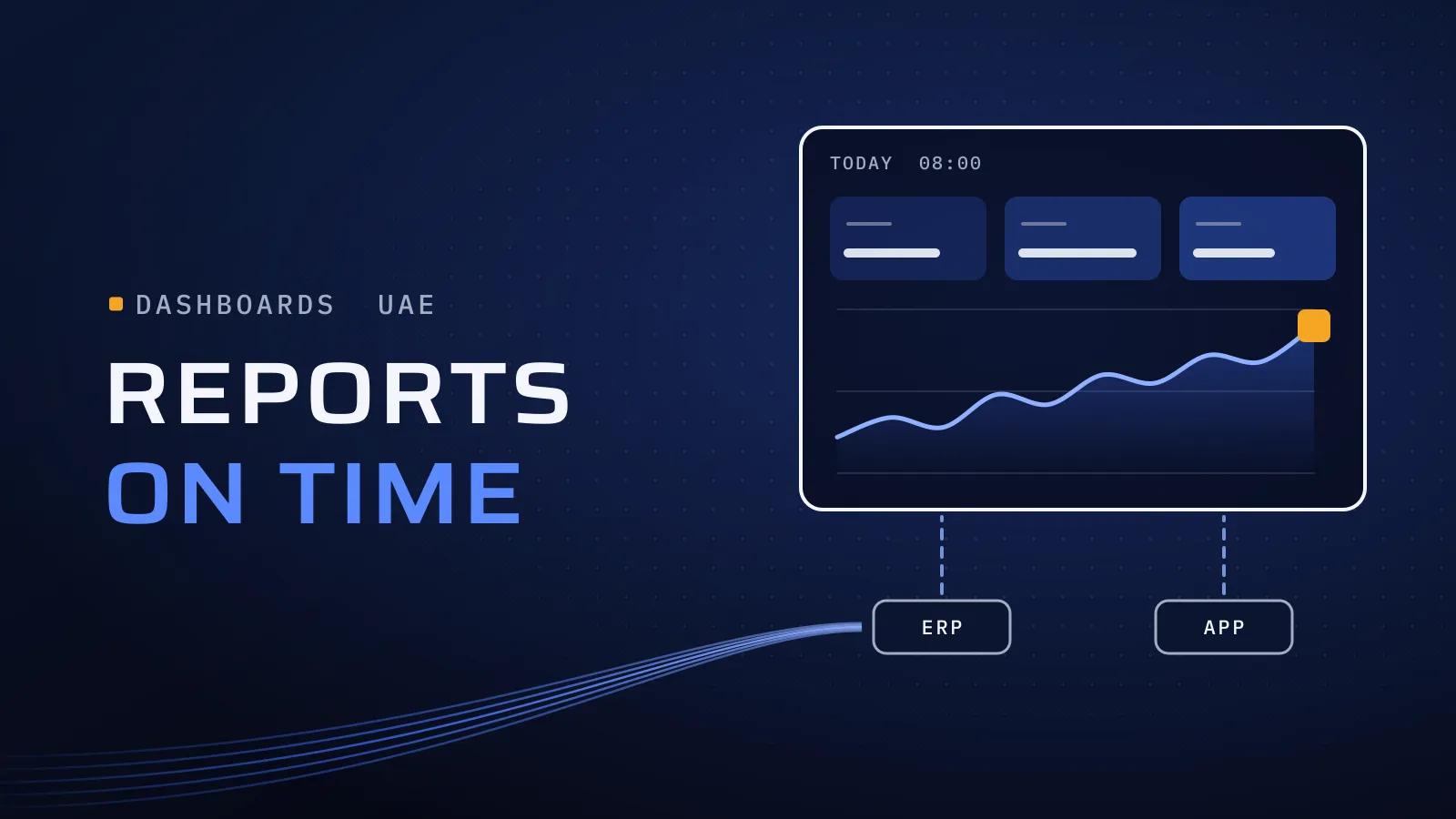
Business dashboards in the UAE usually disappoint for one reason: the numbers behind them still live in spreadsheets that someone updates by hand. Fix where the numbers are recorded and the report is ready on the day you need it; put a dashboard on top of the spreadsheets and you get a neater view of last month.
Why do your reports arrive late, and what fixes them?
Quick answer: A report is only as current as the system its numbers come from. When sales, stock and costs are recorded in one ERP, such as Odoo, or in your own app, a dashboard reads them as they happen. When they sit in spreadsheets, fix the recording first, then build a few views for the decisions you make and use AI to read documents and flag exceptions.
Reports arriving late? Tell us which one, and where its numbers come from.
What late numbers cost you
A margin report that arrives on the fifteenth describes a month you can no longer change. Until it lands, stock is reordered on instinct, discounts are approved without knowing their margin, and overdue invoices wait for someone to notice them. Meanwhile your finance team spends days merging exports instead of checking them, and an error found at month-end takes far longer to trace than one caught on the day.
Where the delay starts
| Symptom | Where the delay starts | What fixes it |
|---|---|---|
| Finance and sales report different sales figures | Two systems, with two lists of customers and products | One record per customer and product, shared by both teams |
| Margin by product takes days | Costs sit in purchasing spreadsheets, prices on invoices | Purchasing and sales in one system, so the cost travels with the item |
| The stock report is out of date when it arrives | Stock moves recorded at the end of the day or week | Moves recorded as they happen: receipts in the ERP, scans in a warehouse app |
| Branch or field figures come in by WhatsApp | No screen where the work is recorded | A branch screen or field app that writes to the same records |
| The cash position needs a call to the bank | Bank statements reconciled once a month | Statements imported and reconciled every week in the ERP |
| Every report needs the same analyst | The logic lives in formulas only they understand | Reports defined once in the system, each figure with a named owner |
How to read it: if most of your symptoms point to the middle column, a dashboard tool won’t fix them, because the delay is in the recording. Fix that, and most of the reports you need are already in the system.
What this means for you: before you buy or build any dashboard, trace your latest report back to where each number is first typed. If the trail ends in a spreadsheet, your first project is the recording, not the dashboard. If the records are already in one place and the numbers are still late, the gap is the view, which is a smaller piece of work.
Which business dashboards UAE finance and operations teams need first
Start with the figures someone acts on every week. If nobody will act on a number within a week, it doesn’t belong on the first dashboard.
| Dashboard | Who reads it | How often | Built from |
|---|---|---|---|
| Cash and receivables | Finance head, GM | Daily or weekly | Invoices, payments and bank statements |
| Sales and margin by product, branch or customer | GM, sales head | Weekly | Orders, invoices and purchase costs |
| Stock and reorder | Operations, purchasing | Daily | Stock moves and open purchase orders |
| VAT position | Finance | Monthly, ahead of each return | Tax on invoices and bills, with UAE VAT set up in the ERP |
| Jobs and service levels | Operations head | Daily | Records from your field, branch or customer app |
If your board or owners read Arabic, plan Arabic and English labels into the first version rather than adding them later.
Odoo, your own app, or both: where the dashboards live
| Your situation | Where the dashboards live | What we do |
|---|---|---|
| Records spread across spreadsheets and separate tools | In the ERP you move to; in the UAE, we implement Odoo | Put the money path into Odoo first, then configure the reports |
| Already on Odoo, but reports are still exported to Excel | In Odoo | Clean the records, configure the views and build the custom reports Odoo lacks |
| Your own app or platform runs the operation | In its admin dashboard | Build the reports into the app, from the records it already holds |
| Numbers come from Odoo and your own app | In one of them, fed by the other | Connect the two through their APIs, so one system holds the combined records |
| Many systems feeding group-wide reporting | In a dedicated BI platform | Not our service; we connect and clean the systems that feed it |
Odoo’s reports, with pivot and graph views, read the same records your team works in. Our Odoo implementation in the UAE includes setting them up for the decisions you make. Still on spreadsheets? Our guide to ERP for small business in the UAE lists the signs that you have outgrown them.
Send us the report that arrives last, and where its numbers come from. A screenshot or the spreadsheet’s column names are enough. We reply with where the delay starts, and whether the fix is in the recording, the view or both.
Talk to us about your reporting →
Comparing suppliers first? Ask for our company profile and we’ll send it to you.
Where AI fits in reporting
- Reading documents into your records. Supplier invoices, receipts and statements arrive as PDFs and photos. AI reads the fields and creates a draft entry for a person to approve, so your numbers stop waiting on data entry. Our guide to AI document processing in the UAE covers which documents to start with.
- Flagging exceptions. An agent checks the records each day and sends the owner a short note: an invoice past its terms, stock below its reorder point, a margin below its floor. A person decides what happens next.
- Answering questions from your records. “What did the Deira branch sell last week?” in plain language, read from the system rather than guessed. It works only on clean records, and a person checks any figure before a decision rests on it.
What AI can’t do is fix numbers that were never recorded. Our AI automation in the UAE starts with one process and connects to the ERP and apps you already run.
How a reporting fix runs
- Pick the report that arrives last and matters most. Write down when it arrives, who builds it and from which files.
- Trace each number to where it is first recorded. The trail shows whether the fix is the recording, the view or both.
- Fix the recording. An ERP module, an app screen or document automation, so each number is captured once, when it happens.
- Build the view. A handful of figures, each with a written definition and the person who acts on it.
- Check, then retire the spreadsheet. Totals are reconciled against the ledger before launch, and on a set date the old file stops being updated.
Start with the report that arrives last
Since 2014 we have worked with more than 100 clients across the UAE, Saudi Arabia, Qatar, Kuwait, the USA and Canada. Our headquarters is at Dubai Digital Park in Dubai Silicon Oasis. We implement Odoo for UAE companies, and we take on custom software development in Dubai, including the admin dashboards that run an operation. ButlerFM is facility management software for cleaning businesses. Talk to the team that worked on it: book a meeting.
Two of our pillars carry most of the weight in a reporting project. Product thinking: each feature has to answer a business problem, so every figure on a dashboard serves a decision. Independent QA: a dedicated testing and quality assurance process, so someone who didn’t build a report checks its totals before anyone relies on them.
Bring the report and its spreadsheet. Talk to us about your reporting → We ask about your goal, what you use today, your timing and who else should be involved. You leave with clear next steps. We reply by email first and set up a call only if you want one. Asking commits you to nothing, and we sign an NDA first if you ask.
Frequently asked questions
Do we need a separate BI tool for business dashboards?
Often not at first. If your records are in one ERP or in your own app, its reports can cover the first dashboards. A dedicated BI platform earns its place when many systems feed group-wide reporting. That is not a service we sell, but we connect and clean the systems that feed it.
Can Odoo give us up-to-date dashboards?
Yes, for whatever is recorded in it. Odoo's reports, with pivot and graph views, read the same records your team works in, so there is no export to wait for. We configure the views you need and build custom reports where the standard ones fall short.
How much does a reporting project cost?
We don't publish a price list, because the cost follows the scope: how many systems the numbers come from, whether the recording has to be fixed first, how many views you need and which integrations they rely on. The price is agreed in your proposal, release by release, so you see each one's cost before work starts.
Can AI produce our reports for us?
It can do the work around the report: read invoices and receipts into your records, flag exceptions such as overdue invoices, and answer questions from your records in plain language, with a person checking what matters. It can't fix numbers that were never recorded, so the records come first.
What if the dashboard doesn't match our accounts?
Then nobody should decide with it yet. Before launch, someone who didn't build the report checks its totals against the ledger, and every figure has a written definition and a named owner. If a number looks wrong later, its owner knows where to look.